
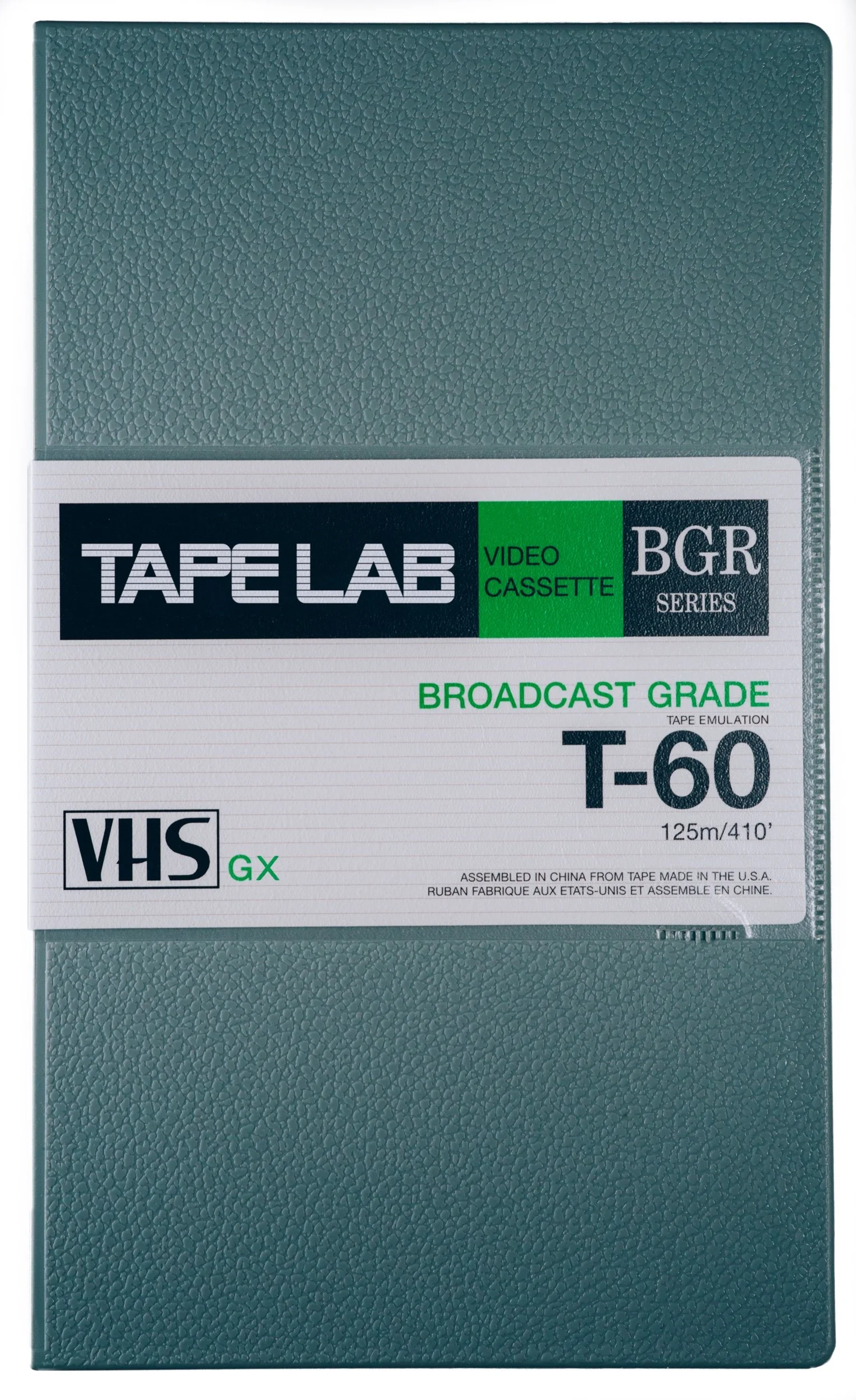
Tape Lab
A physically modelled VHS deck for DaVinci Resolve, Premiere Pro and After Effects. It records each frame to tape as a signal, wears that signal the way a tape transport does, and plays it back.
A plug-in for macOS. Editing software and physical packaging are not included.

- A signal, not an overlay
- Luma is frequency-modulated and color is recorded color-under, as on a VHS tape. The softness, the noise and the color bleed come out of that signal path.
- Measured
- The Panasonic AG-DS555 deck and its three cassettes were fitted to test-chart recordings made on the real machine.
- Adjustable
- Choosing a deck and a tape sets the controls below them. Every one can then be changed, and the result saved as your own look.
Before and after.
Tape Lab / Same clipFive clips, each playing clean and then through Tape Lab. Scroll to bring the tape across the frame.
Clip 01 / 05Tape Lab deck · Tape condition: Worn
Clip 02 / 05Panasonic AG-DS555 · Fuji HQ (used)
Clip 03 / 05Panasonic AG-DS555 · Fuji BGR (new)
Clip 04 / 05Panasonic AG-DS555 · Fuji BGR (new)
Clip 05 / 05Panasonic AG-DS555 · Maxell GX Silver (used)
What it models.
NTSC VHS signal pathRecorded from composite or S-Video, for one to four generations.
The deck’s input filter, luma low-pass, detail emphasis, white and dark clip and color record level.
Bandwidth, carrier-to-noise, modulation noise, color noise, saturation drift, adjacent-track crosstalk and dropouts, at SP, LP or EP, on new, used or worn tape.
Tracking with its skew and drift, line jitter, wobble, and the head switch at the bottom of the frame with its shift, hue kick and recovery.
Luma low-pass, edge enhancer, chroma bandwidth, chroma noise reducer, and a dropout compensator that patches from the line above or blanks to black.
Component, or composite separated again by a notch, comb or adaptive comb filter, with color edge sharpening, an interference tone and output noise.
Full frame, 4:3 crop or 4:3 letterbox, progressive or interlaced, with an overscan crop. Tape Lab treats the frame it is given as one whole tape picture, so it gives the softness of a real VHS recording of that frame.
Decks and tapes.
Measured presetsA measured deck, fitted to test-chart recordings played back through its composite output with the time base corrector on. Tape Lab starts on this deck.
Maxell GX Silver (used), Fuji BGR (new) and Fuji HQ (used), each measured on that deck.
A hand-tuned deck, not one particular machine. The tape choice applies to the measured deck only.
A deck or tape is a starting point: it sets the controls, and every control stays open to change.
Panasonic, Maxell and Fuji are trademarks of their respective owners. Tape Lab is not affiliated with or endorsed by them.
Included.
Tape Lab 1.0TapeLab.ofx.bundle, an OpenFX plug-in.
TapeLab.plugin. One copy serves both applications.
Install, use and uninstall steps for all three applications.
What you make with Tape Lab is yours, including commercial work. The plug-ins themselves are licensed per person and are not for redistribution or resale.
One .dmg disk image holding both plug-ins, signed and notarized for macOS. Digital delivery only — physical packaging is not included.
Install.
Drag and dropQuit Resolve. Open the DaVinci Resolve folder in the disk image and drag TapeLab.ofx.bundle onto the Plugins folder beside it. Tape Lab appears in the Effects library under OpenFX → GXACE → Tape Lab.
Quit both. Open the Premiere Pro and After Effects folder in the disk image and drag TapeLab.plugin onto the MediaCore folder beside it. Tape Lab appears in the effects list under GXACE → Tape Lab.
Last, after your grade: on an adjustment clip or adjustment layer above everything else, or on the last node of Resolve’s Color page.
Compatibility.
macOSmacOS 11 or later, on Apple silicon or Intel.
Recent versions of DaVinci Resolve, Premiere Pro and After Effects. Built and tested in DaVinci Resolve 21, Premiere Pro 2026 and After Effects 2025.
This release is for macOS only.
In Resolve, Tape Lab saves and loads your own presets as files you can copy to another computer. In Premiere Pro and After Effects, save a look with the application’s own effect presets.
DaVinci Resolve, Premiere Pro, After Effects and footage are not included.