![[Gx]Ace](http://images.squarespace-cdn.com/content/v1/57c9d27a2e69cfea32321660/5f7fdc4f-6332-4635-85fd-c55ff7f02ca4/gx-logo.png?format=1500w)
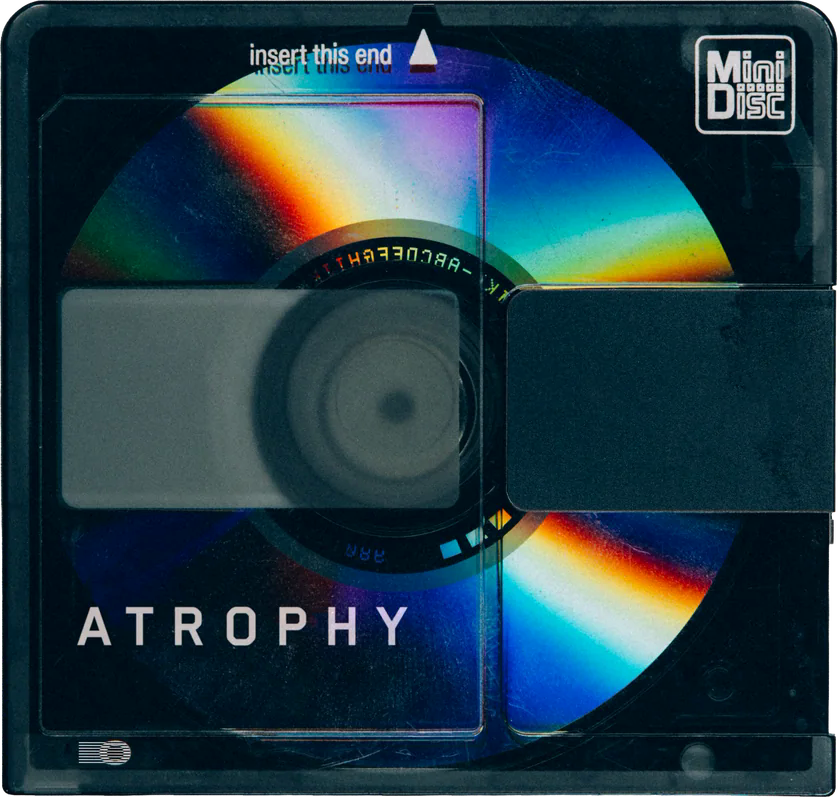

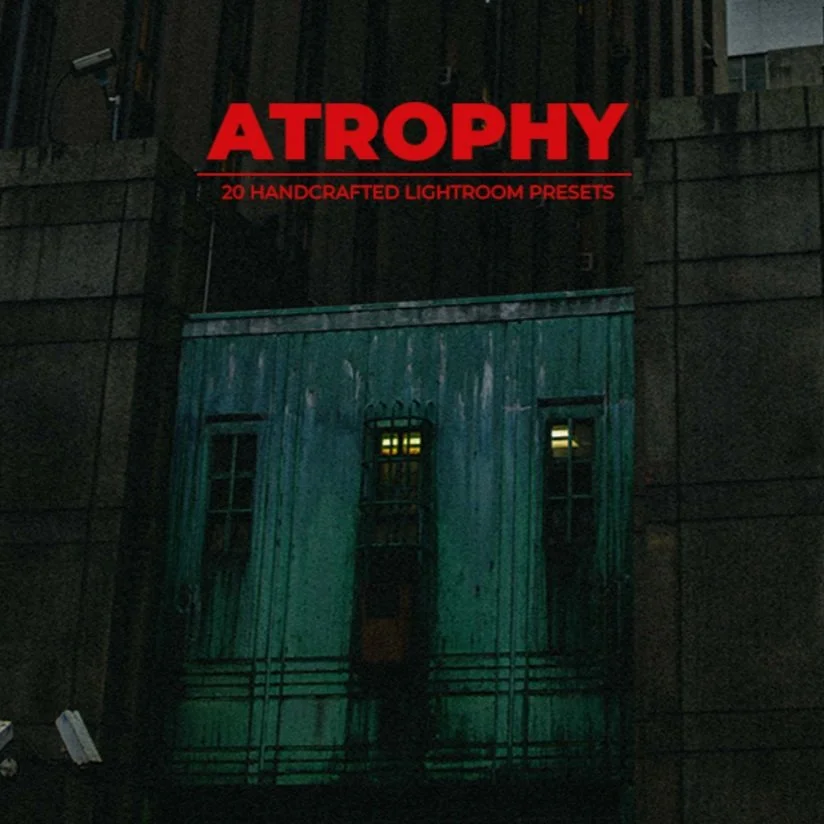
Enter the world of Atrophy.
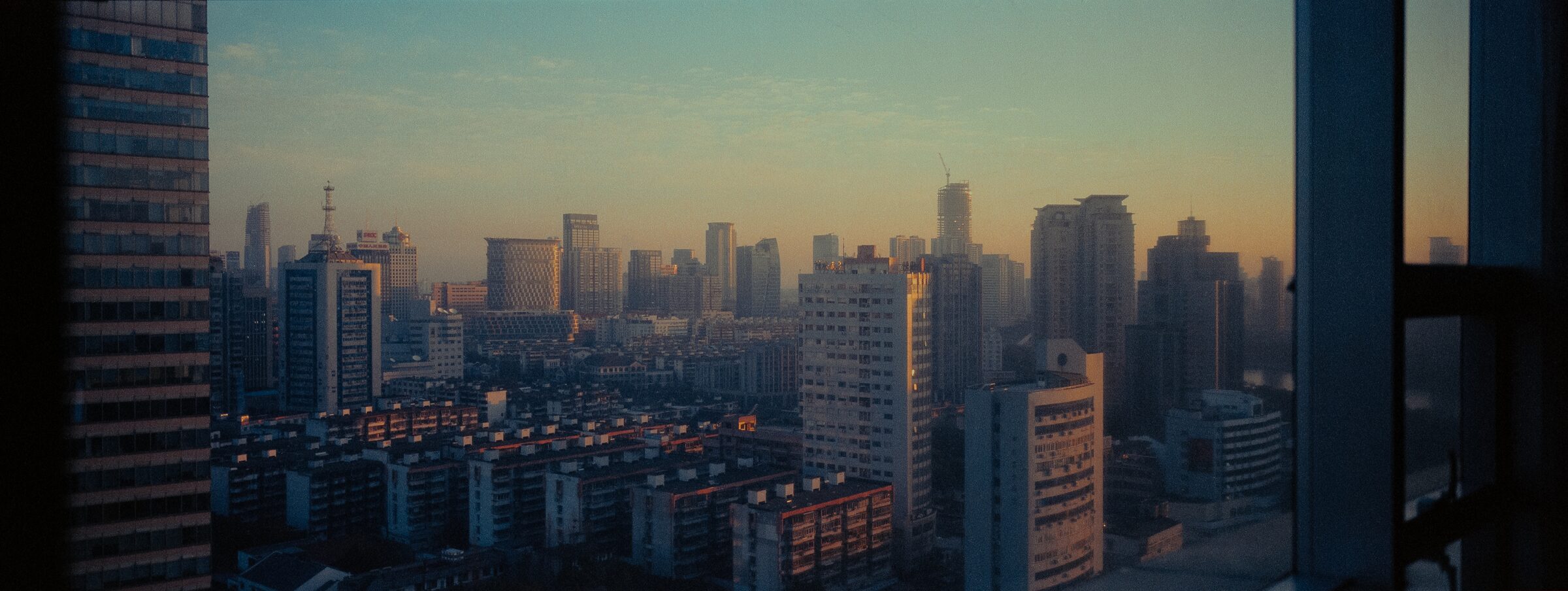
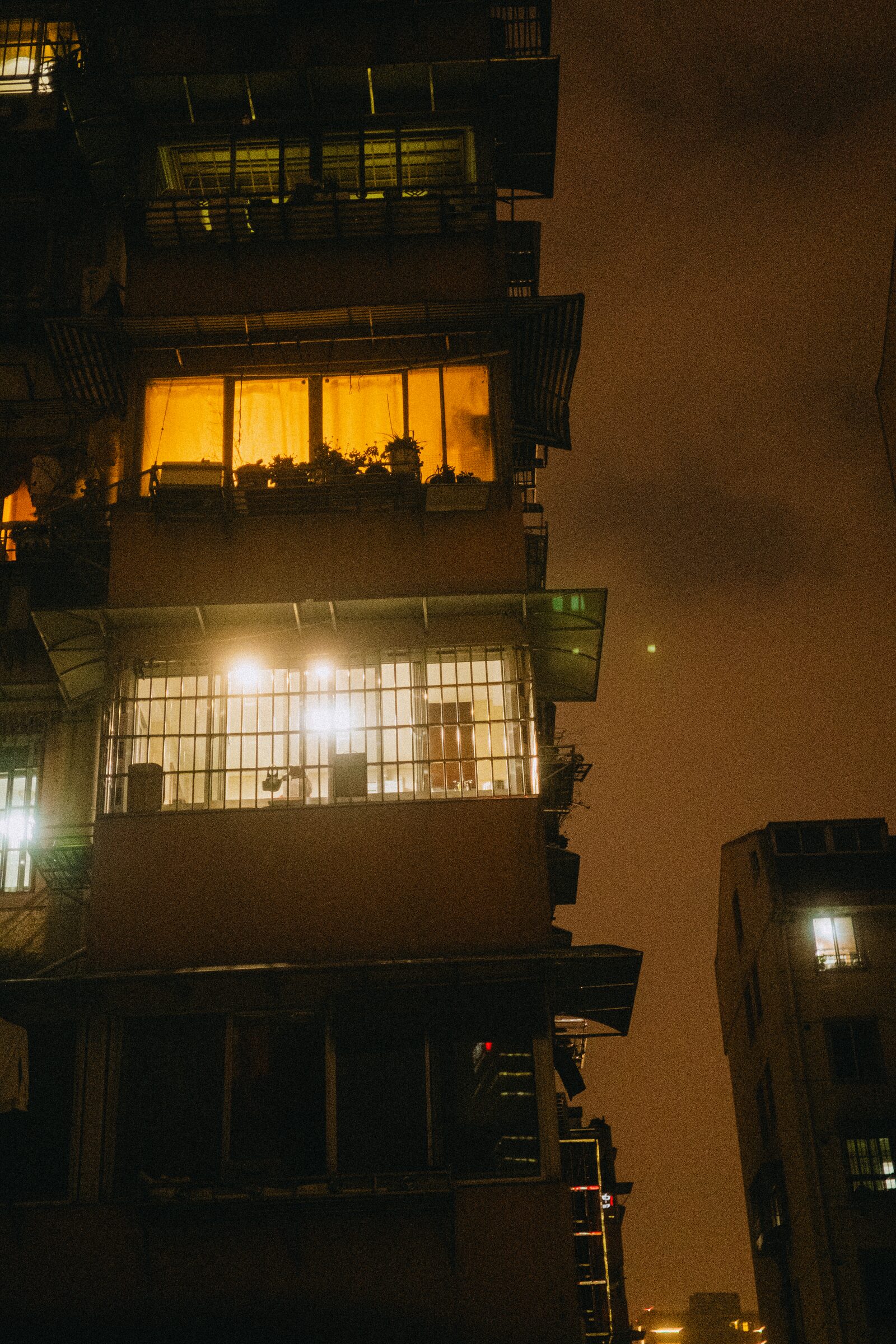
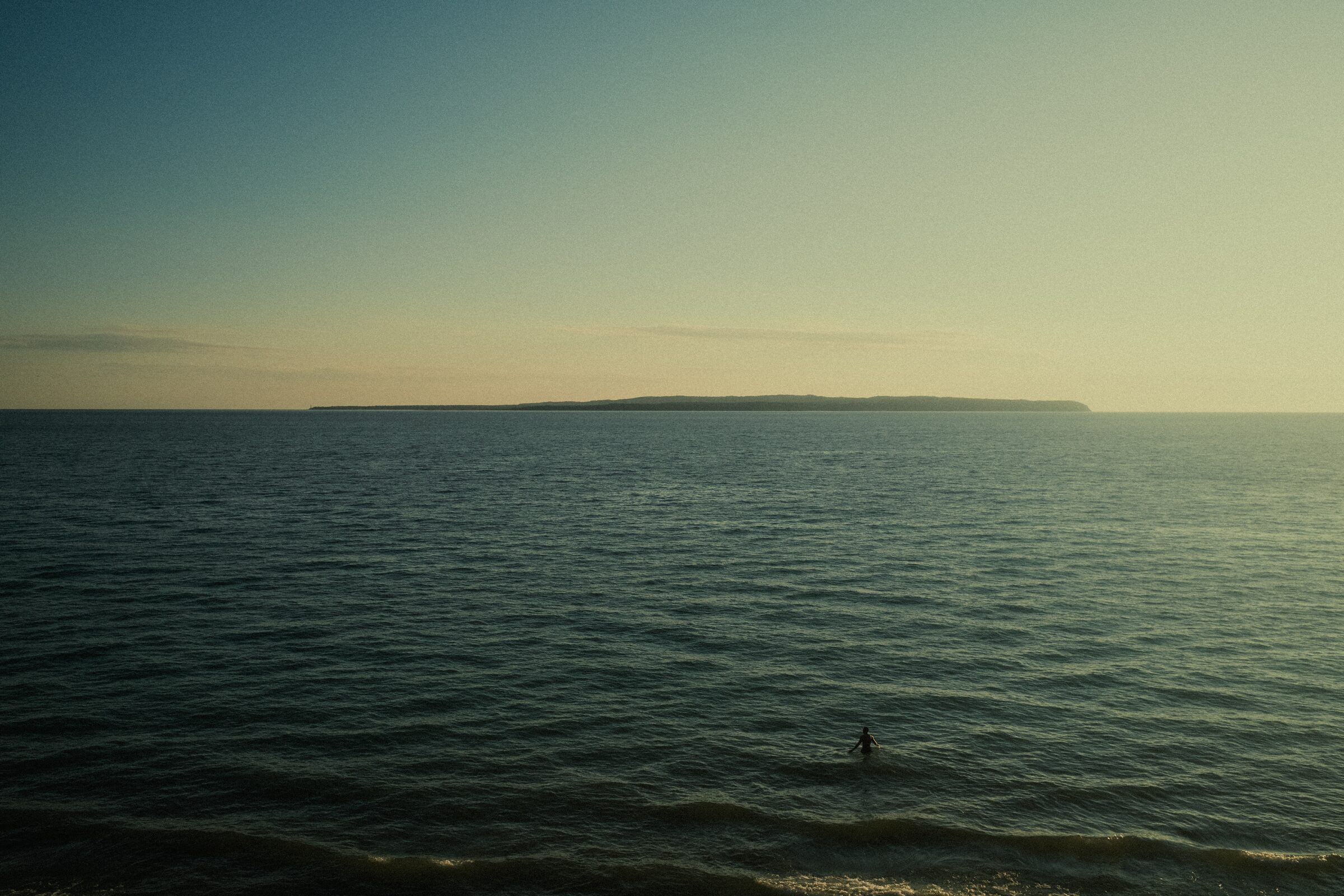
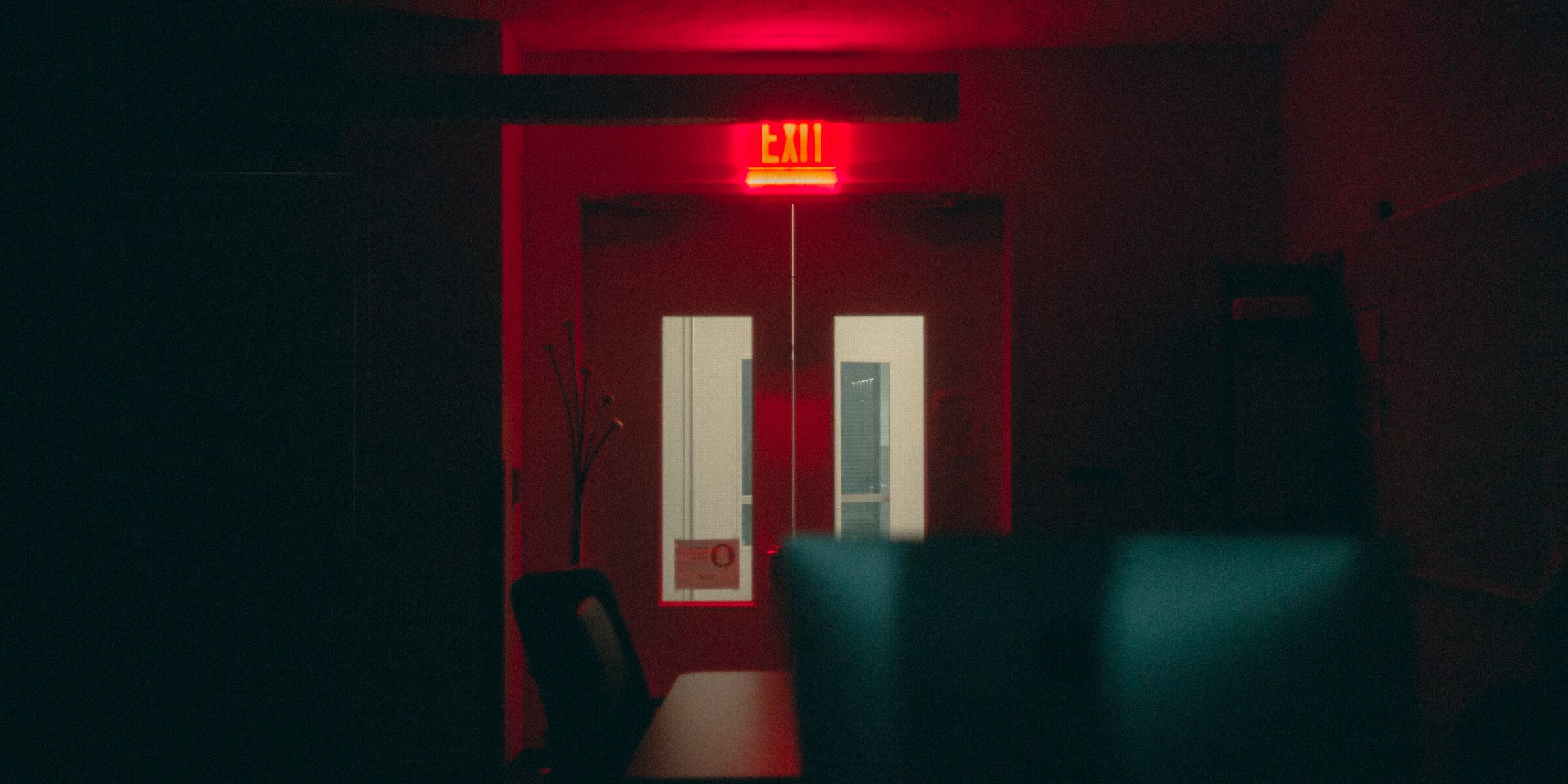
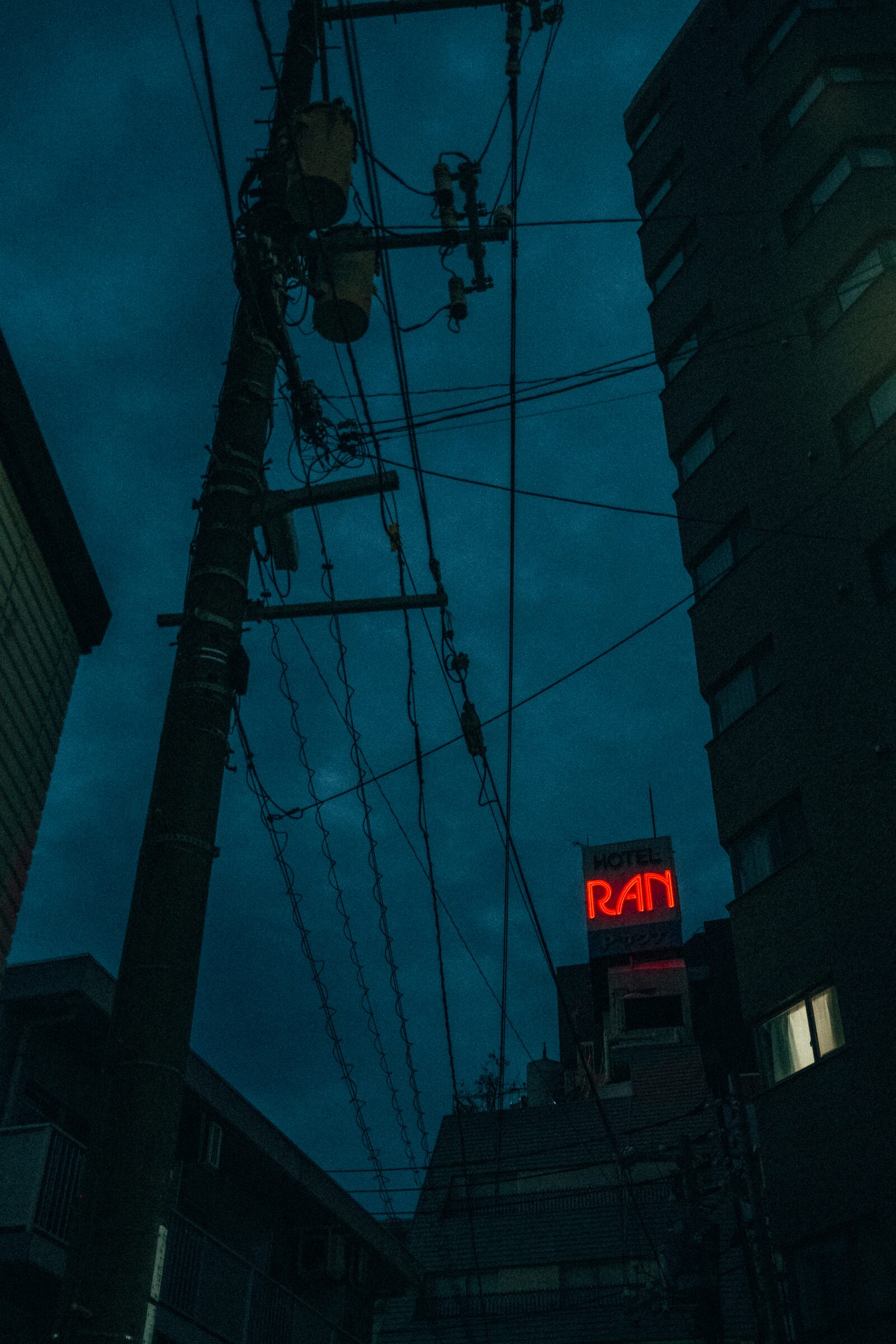
While the world crumbles and decays around you, find the beauty in its atrophy with these presets. Looks that complement both nature and the remnants of humanity alike.
THIS PACK WILL ADD A NEW DIMENSION TO YOUR PHOTOGRAPHS. IT WILL TAKE NORMAL SCENES AND BRING OUT A SENSE OF MYSTERY AND MOOD THAT WAS HIDING JUST BENEATH THE SURFACE.
A SELECTION OF 20 OF MY PERSONAL ADOBE LIGHTROOM PRESETS THAT I HAVE TWEAKED OVER THE YEARS.
|| 01. MOOD - CINEMATIC IN THE PURE SENSE OF THE WORD
|| 02. DIFFUSION - WORKS GREAT WITH DIFFUSION FILTERS LIKE GLIMMER GLASS
|| 03. VERSATILITY - MANY DIFFERENT LOOKS THAT CAN FIT ALMOST ANY SCENARIO
COMPATIBLE WITH ADOBE LIGHTROOM
**IMPORTANT: ALL LUT AND PRESET PURCHASES ARE FINAL.
Atrophy
108
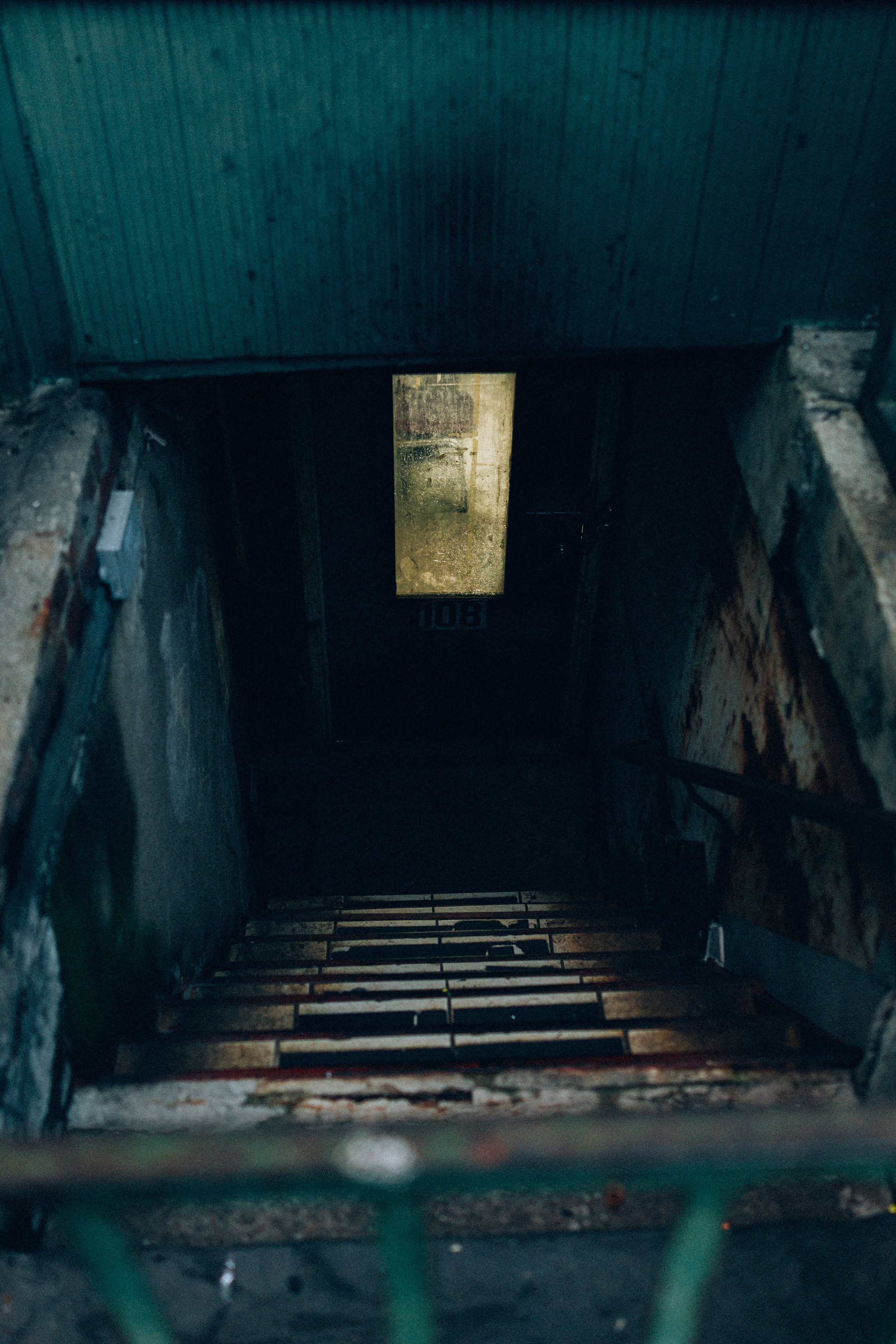
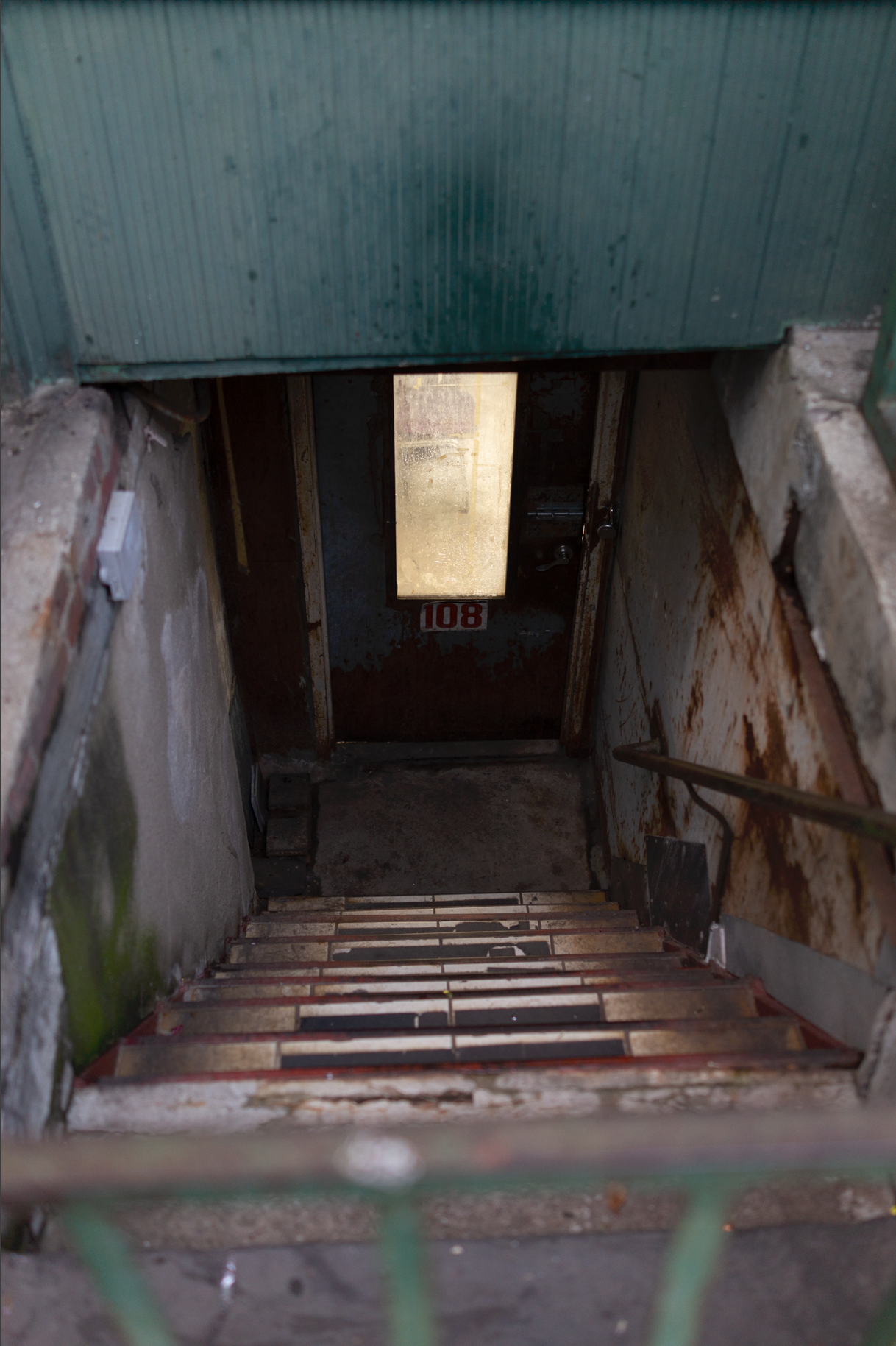
Modernity
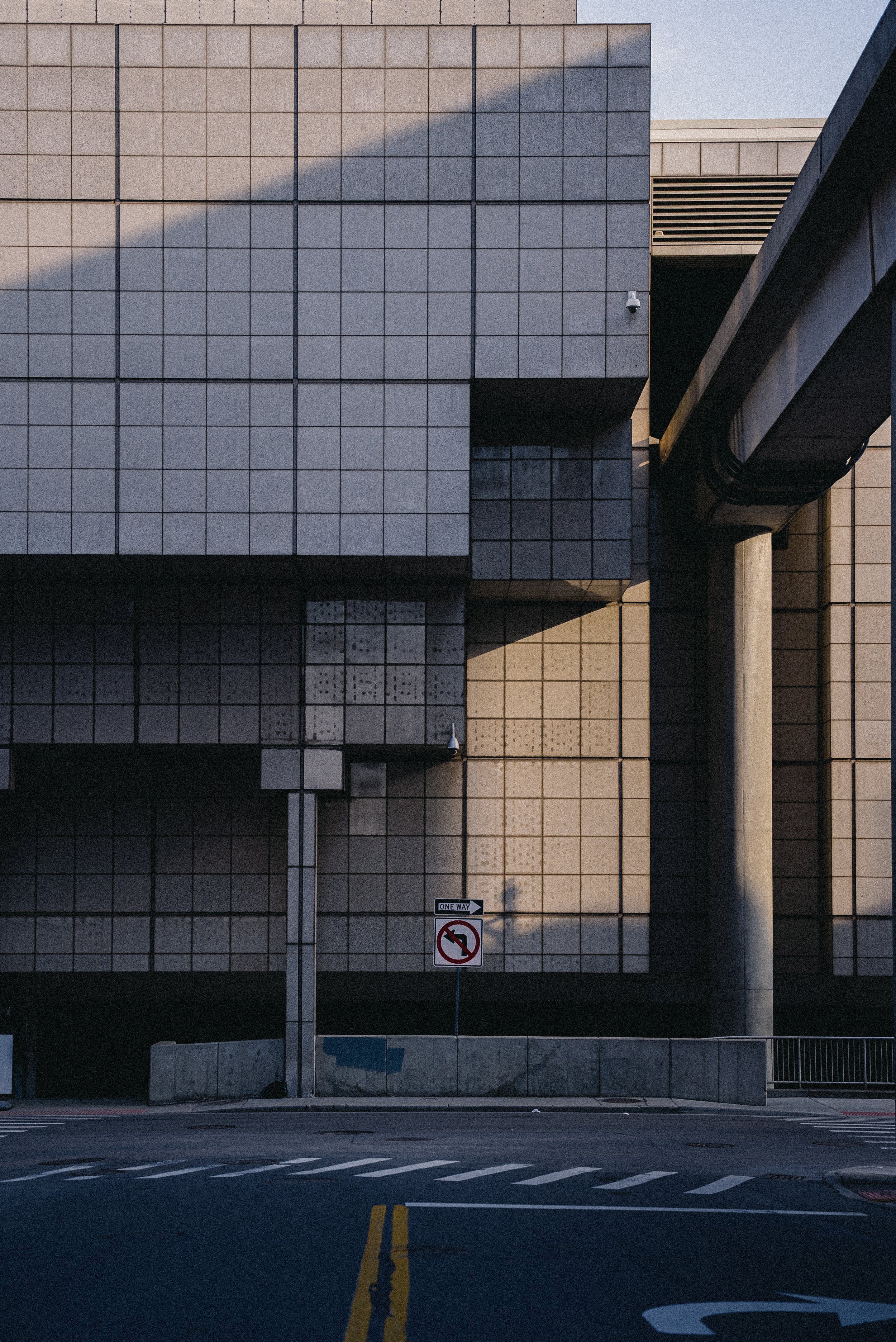
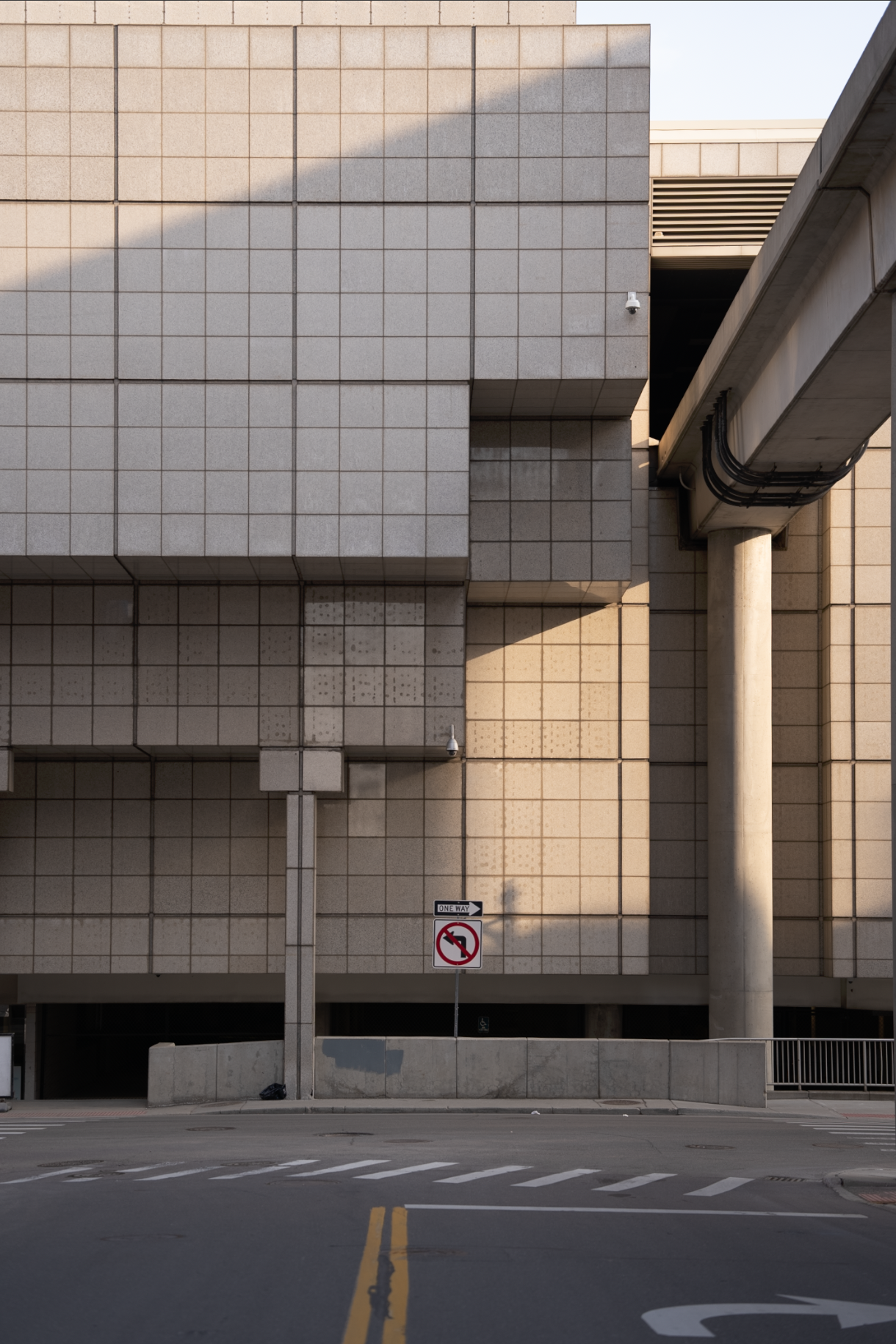
NULL_CHROMA
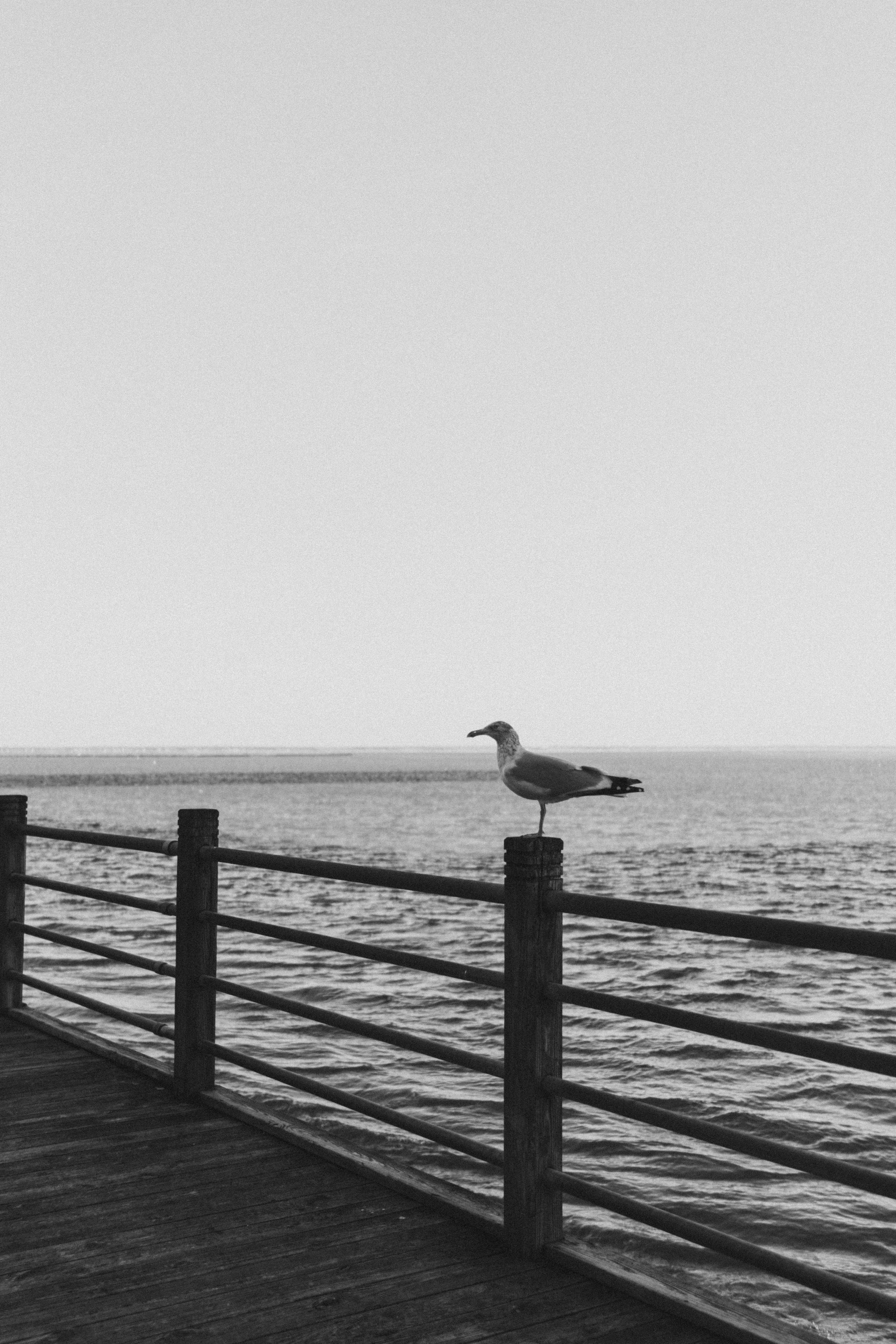

Isolation
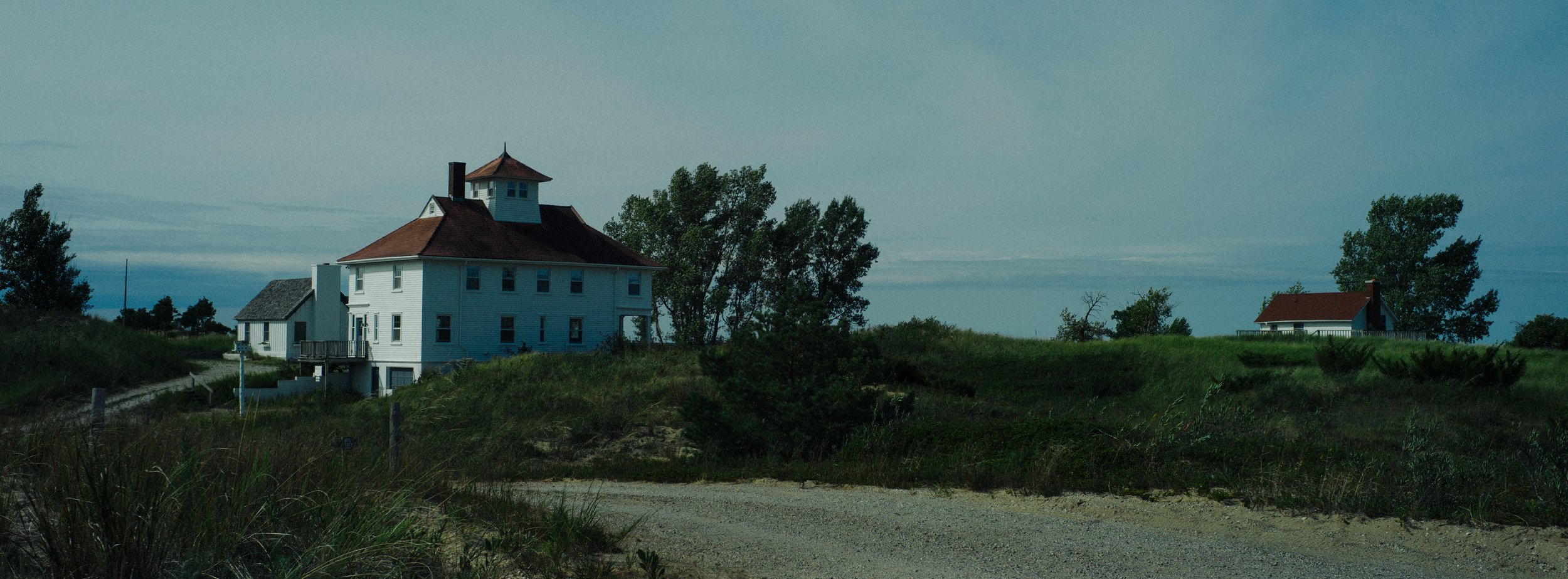
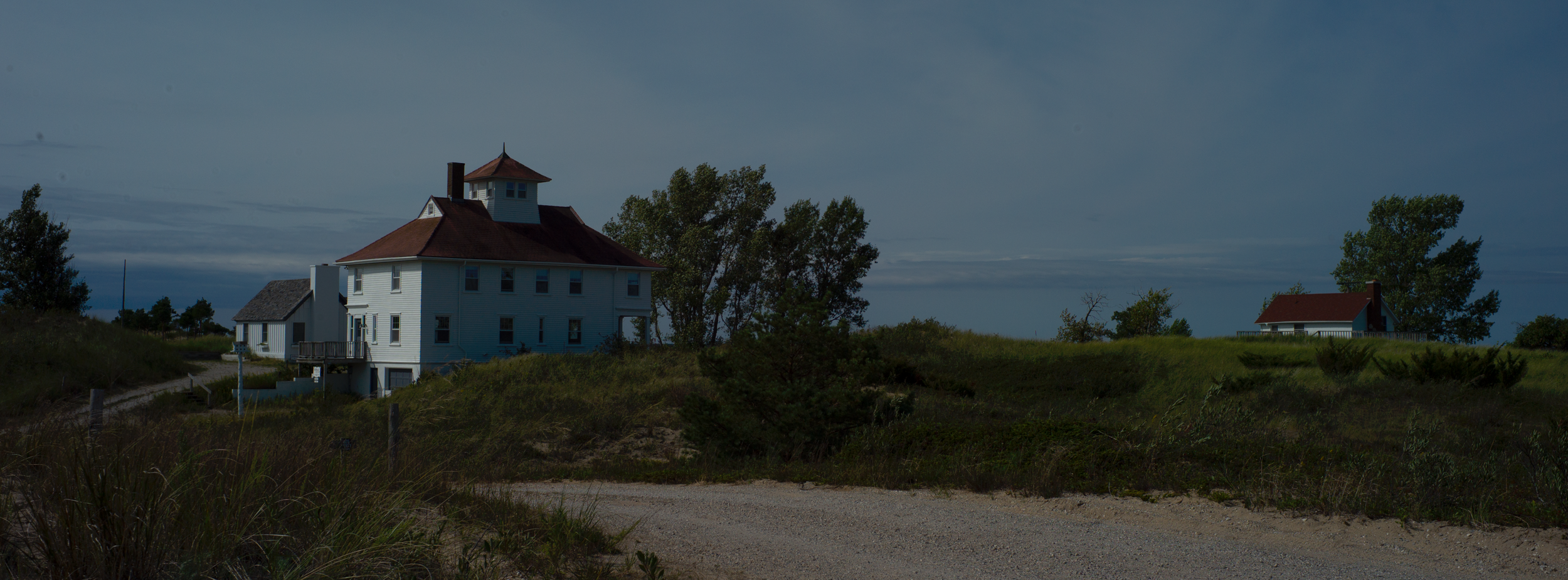
CineGold
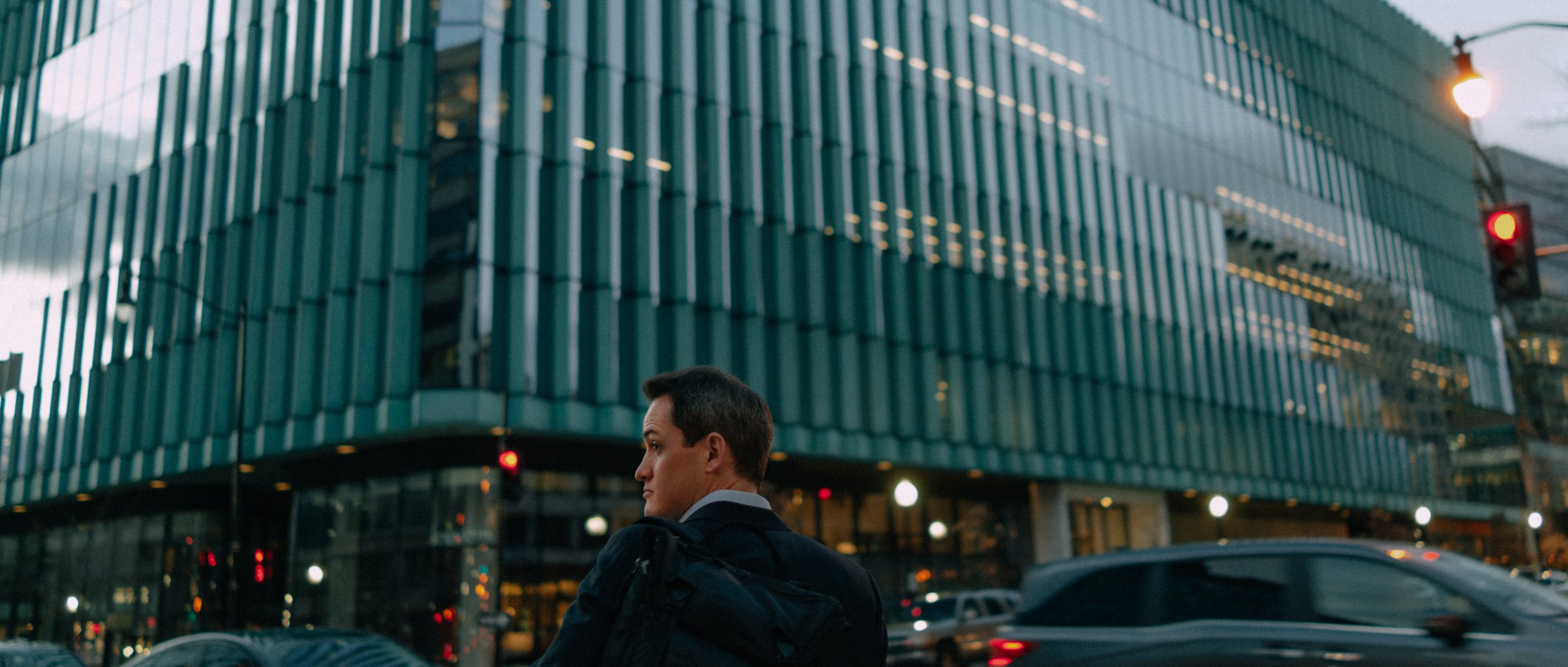
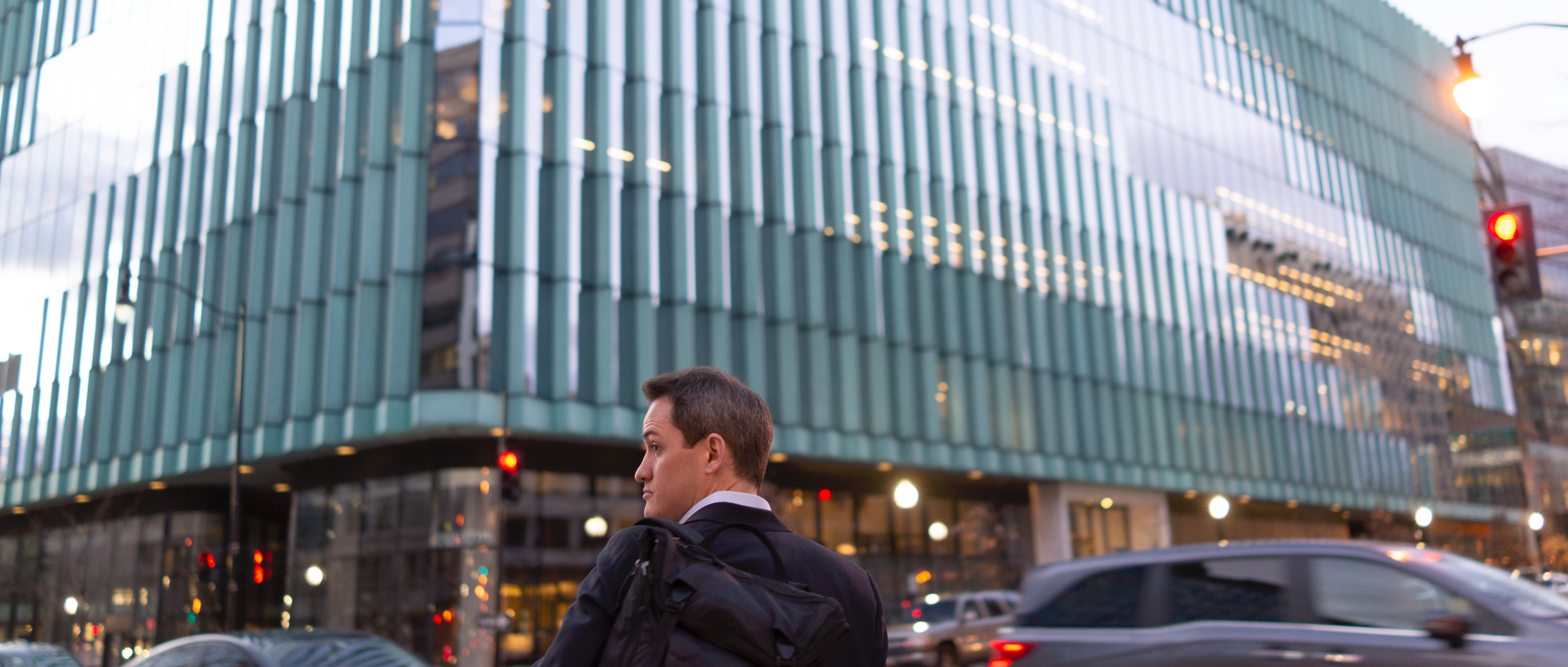
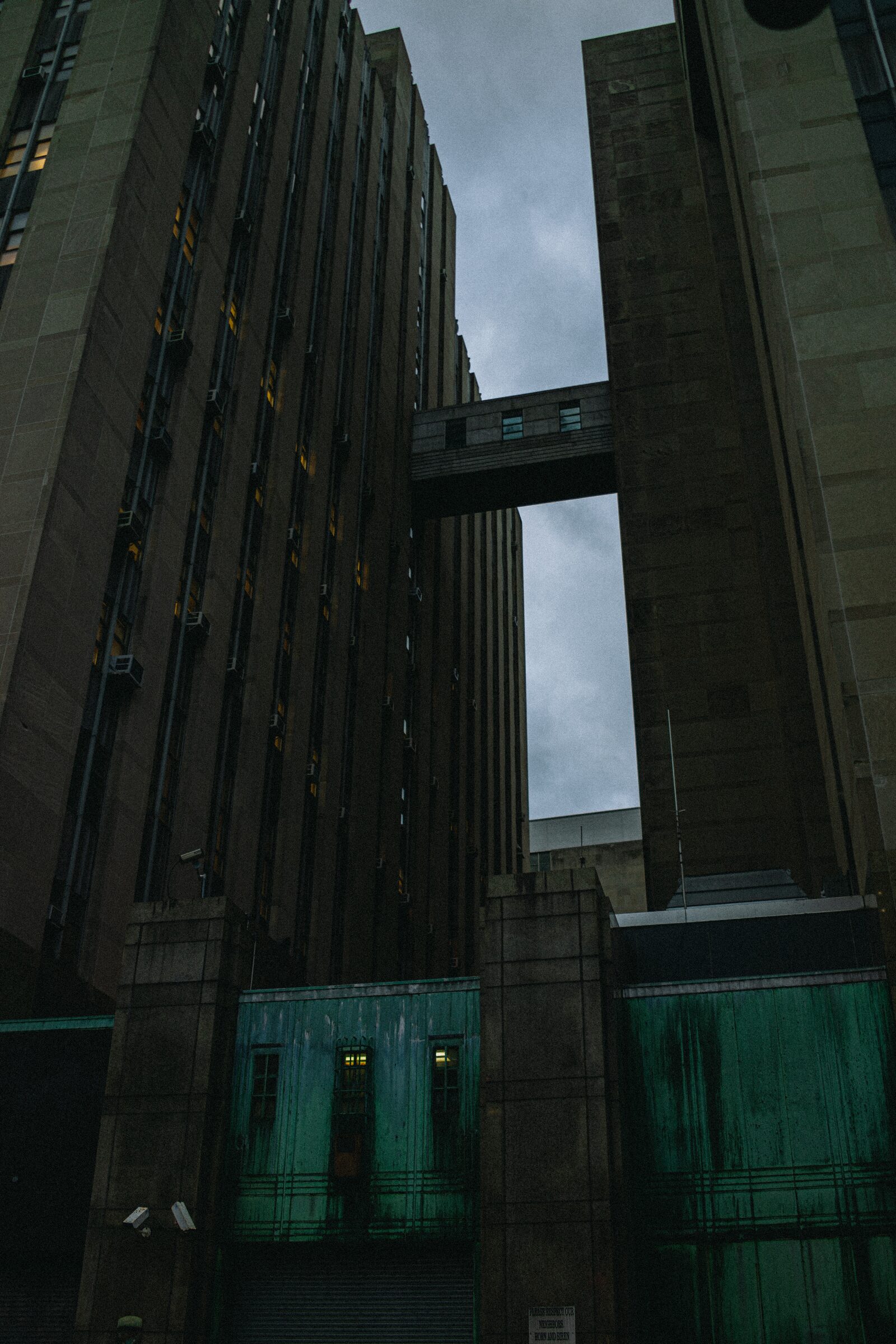
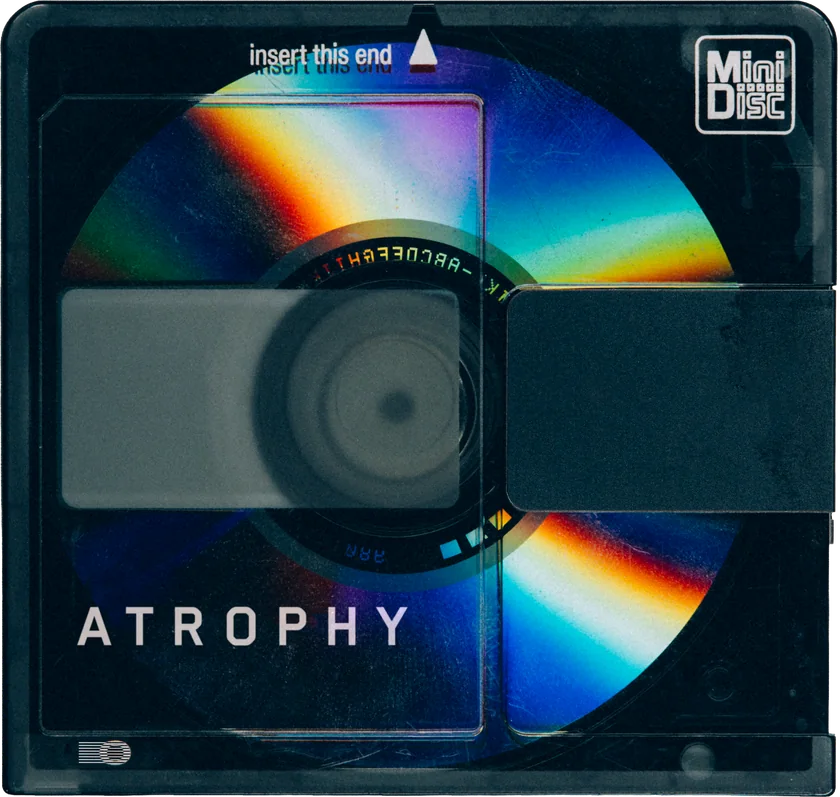
Atrophy
20 presets built around decay, industry and nature reclaiming built structures. NULL_CHROMA, Modernity and Labyrinth run from desaturated concrete to corroded color.
- Subject
- Built for decay, industry and nature reclaiming built structures.
- Color behaviour
- NULL_CHROMA and Isolation desaturate toward a near-monochrome base, letting one color read against grey.
- Texture
- Modernity and Labyrinth favour heavy, corroded texture and contrast over a clean, polished frame.
Presets for your photographs.
Physical packaging not included.
The images.
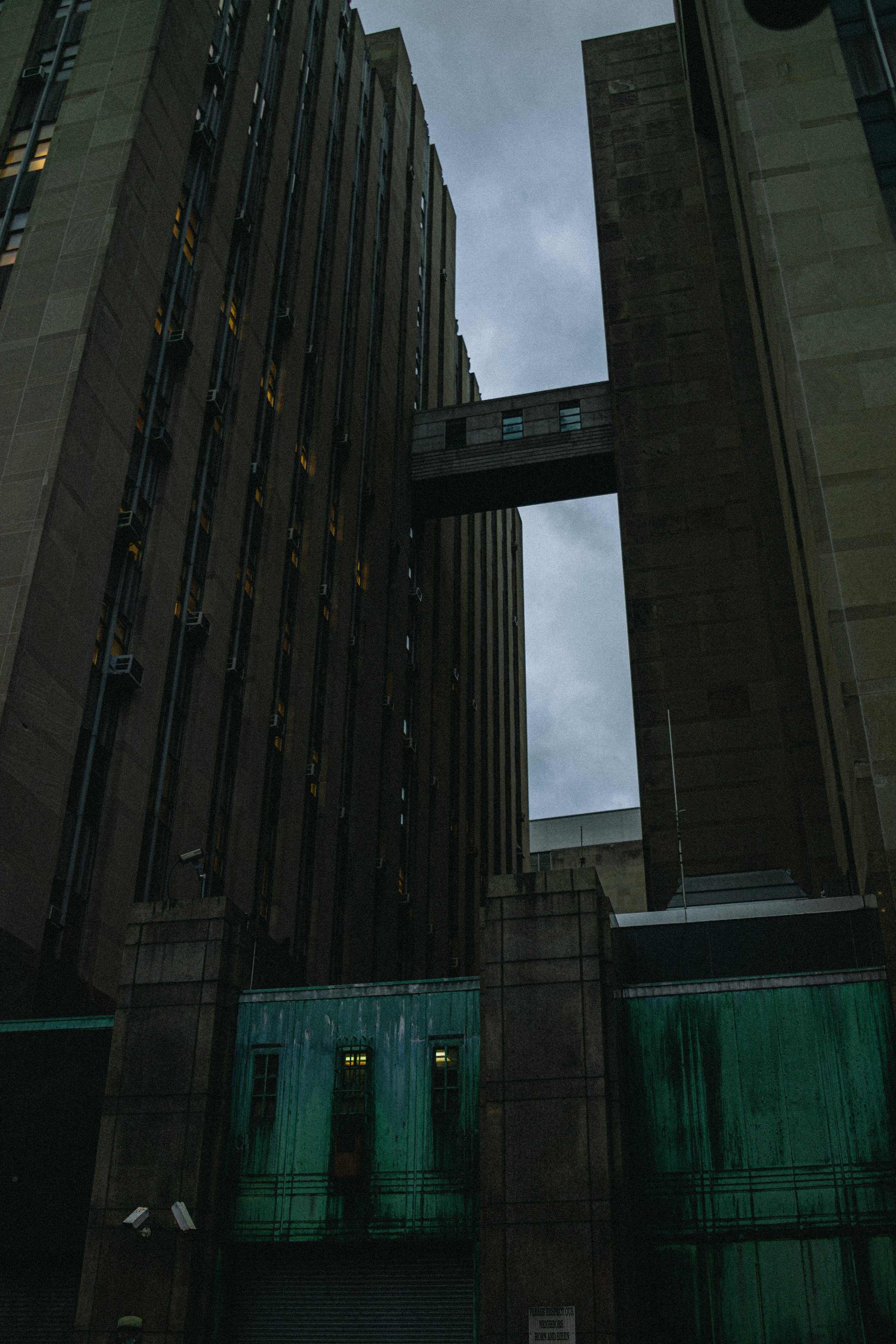
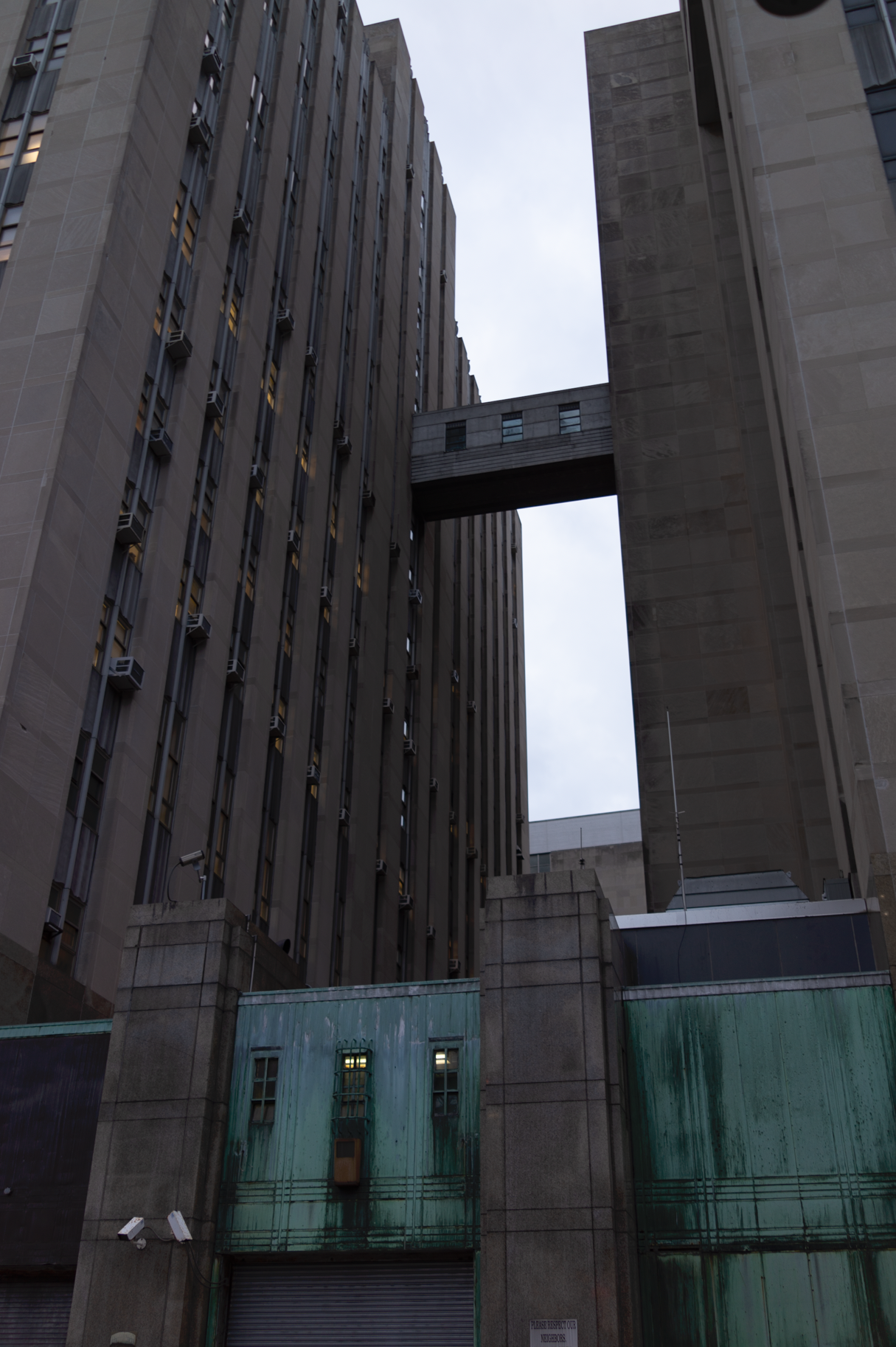
Atrophy / GX—05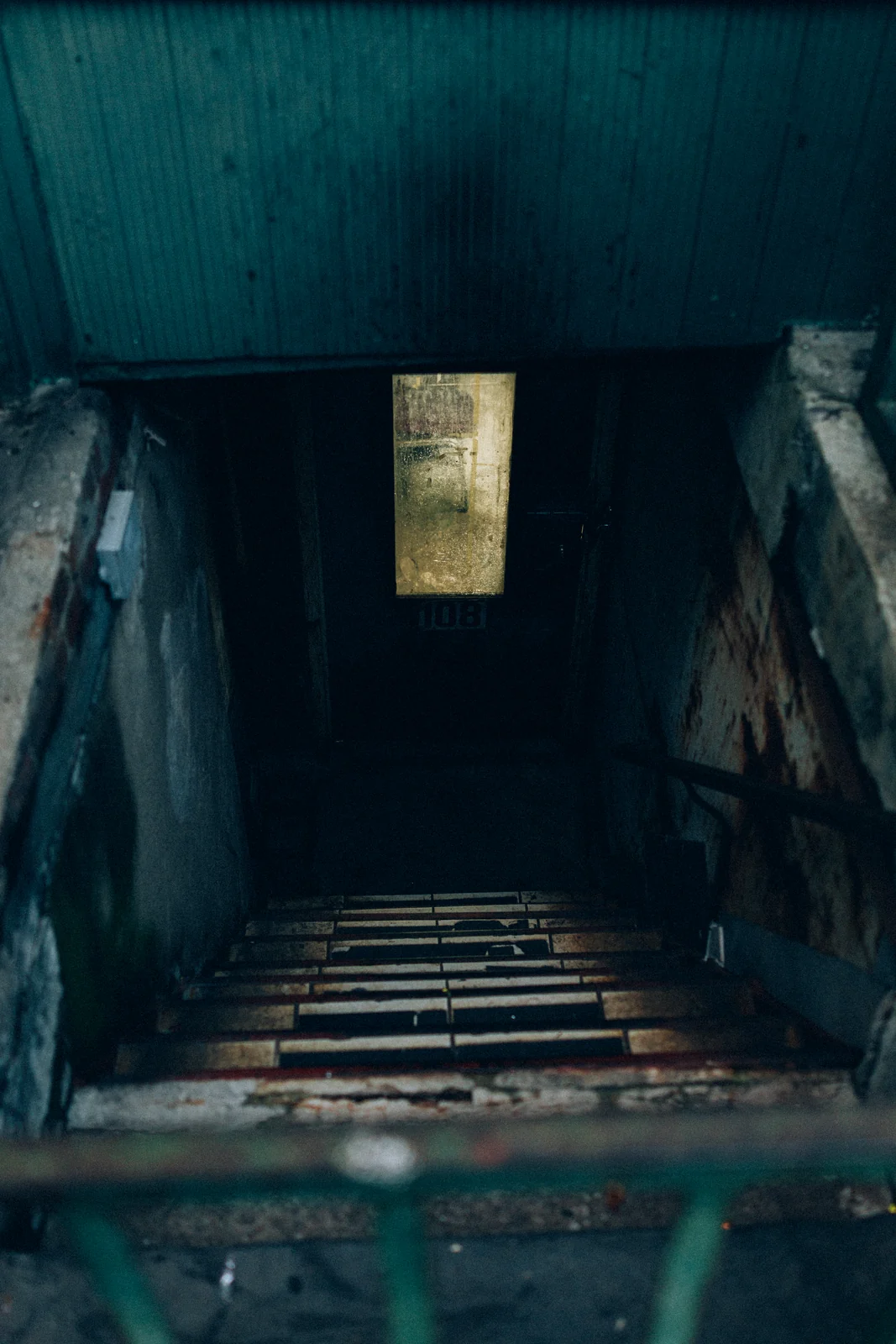
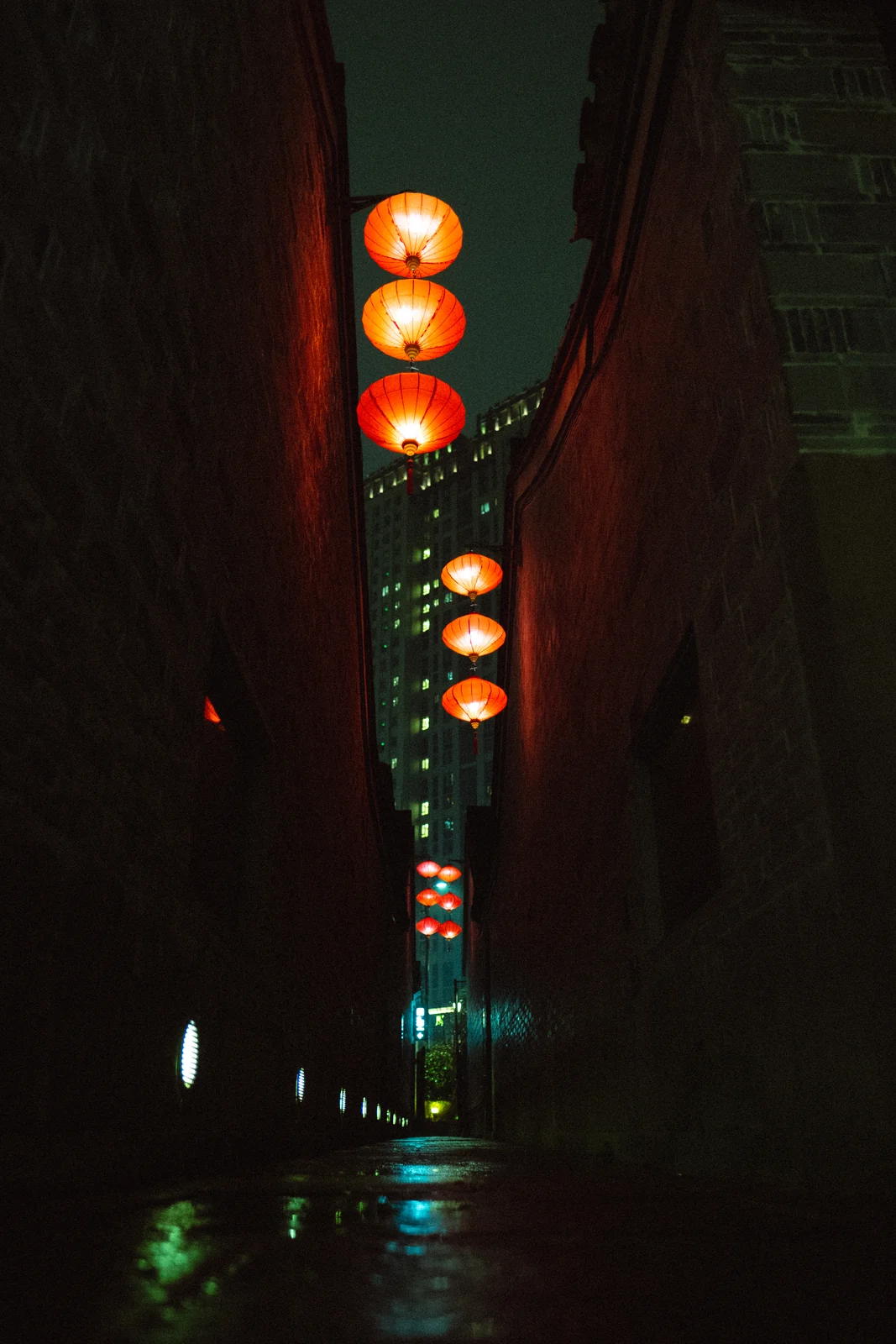
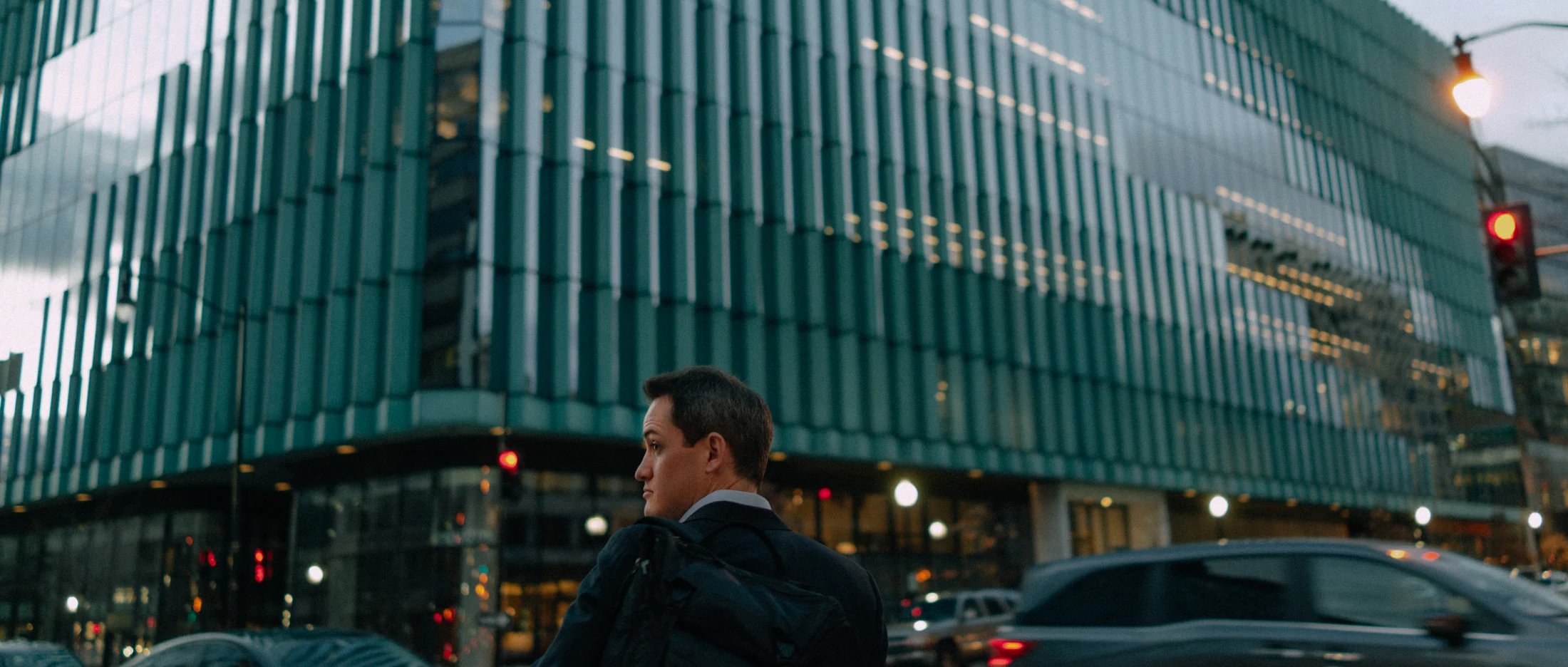
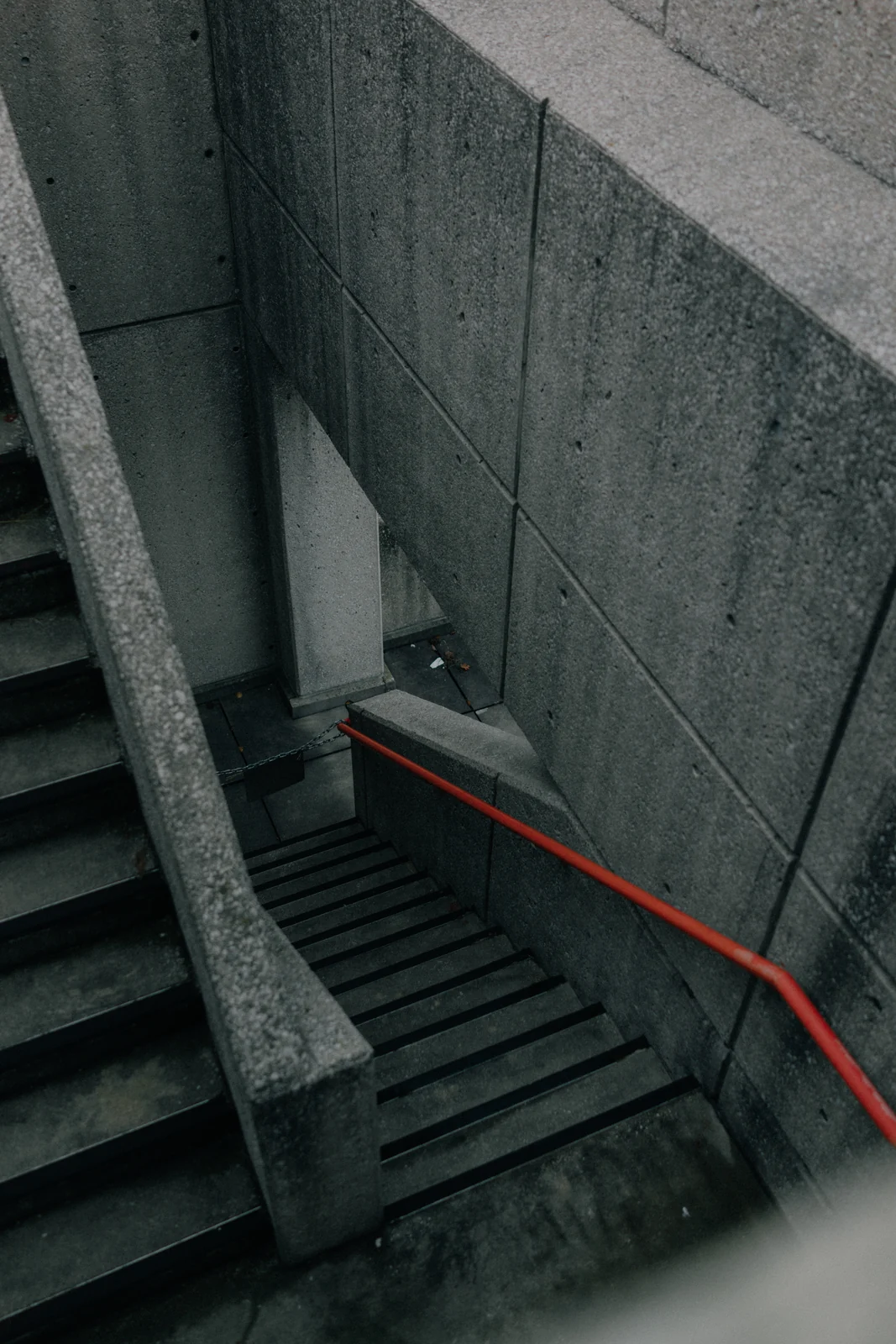
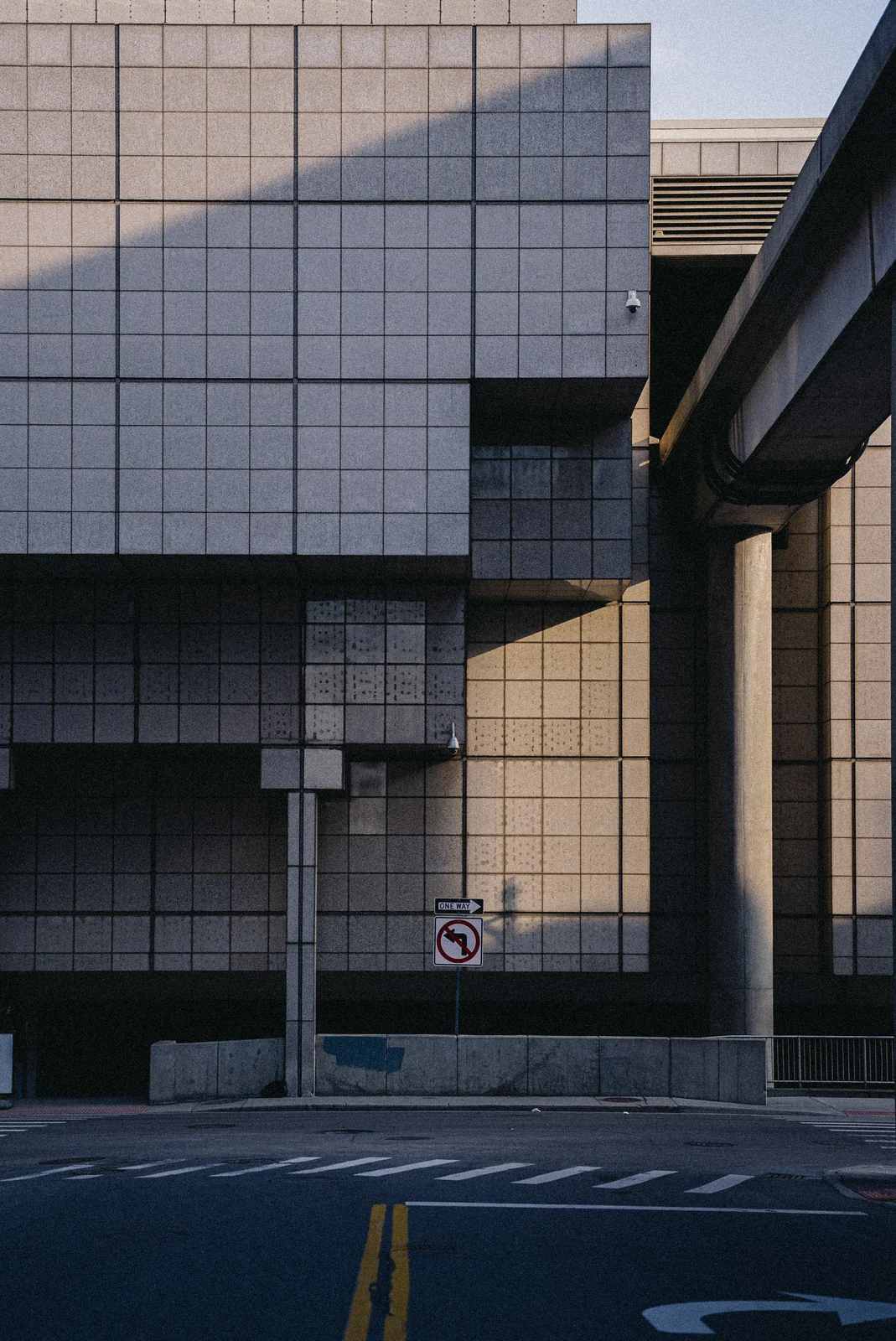
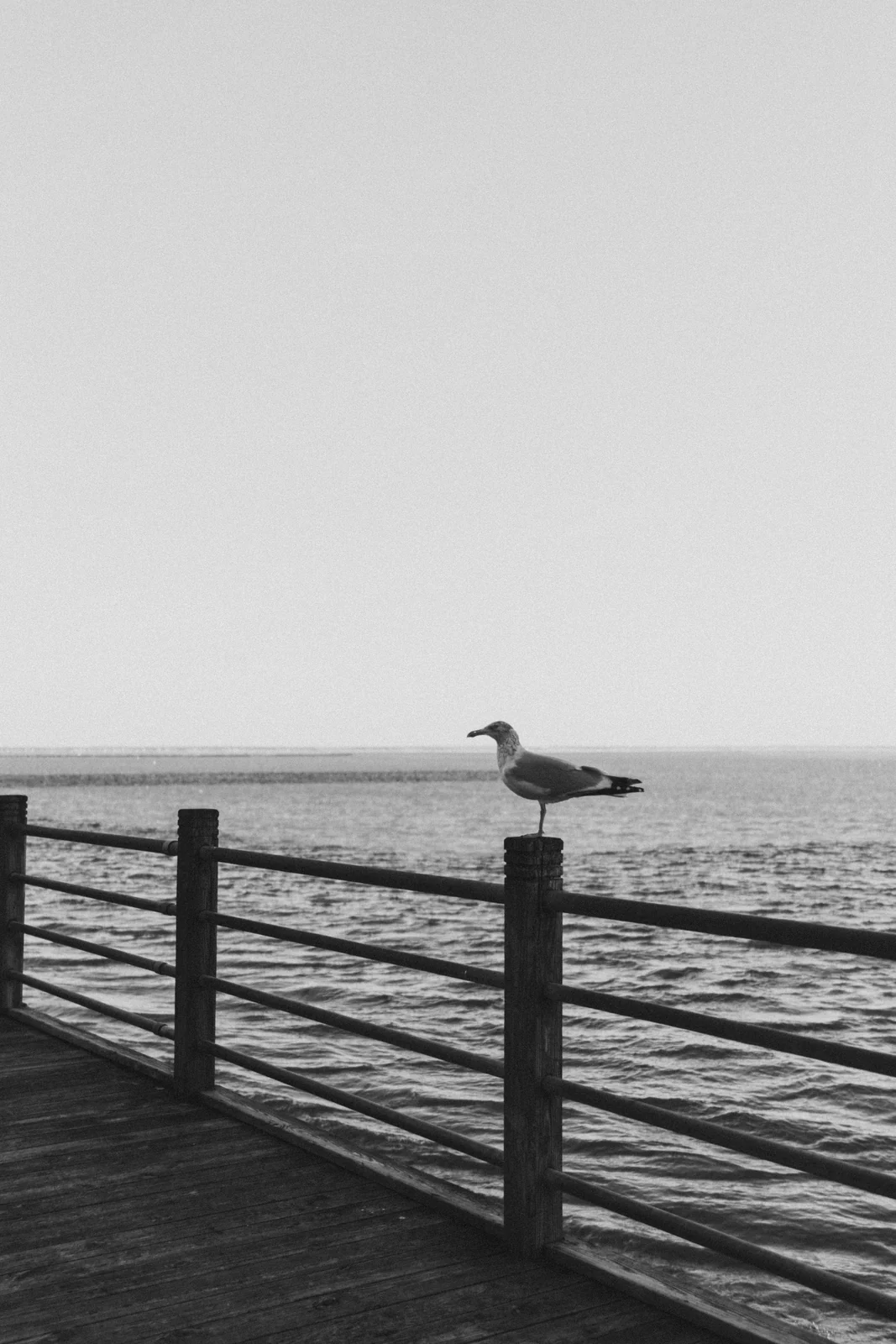
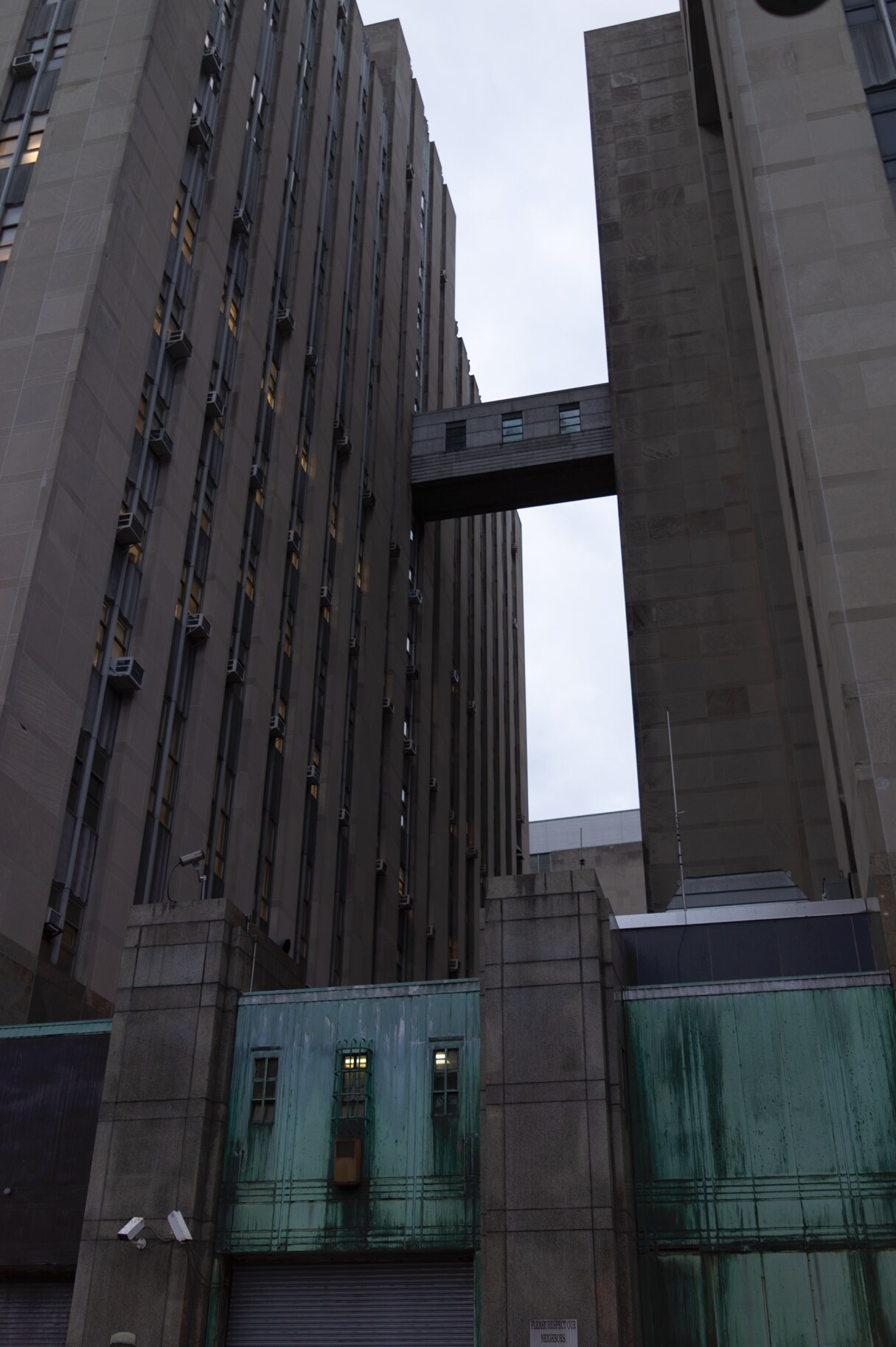
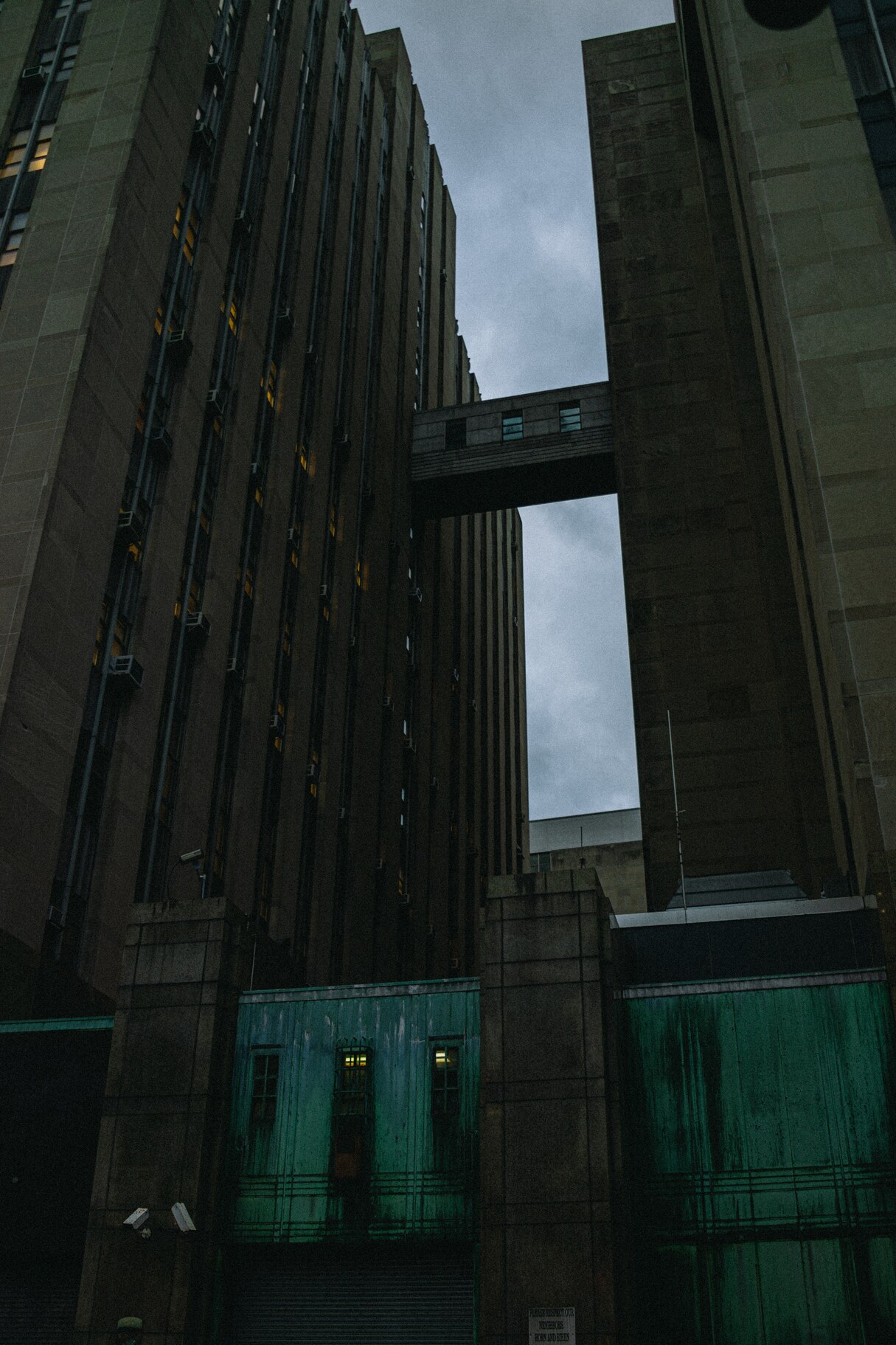
Pair 01 / 03GX—05 Atrophy
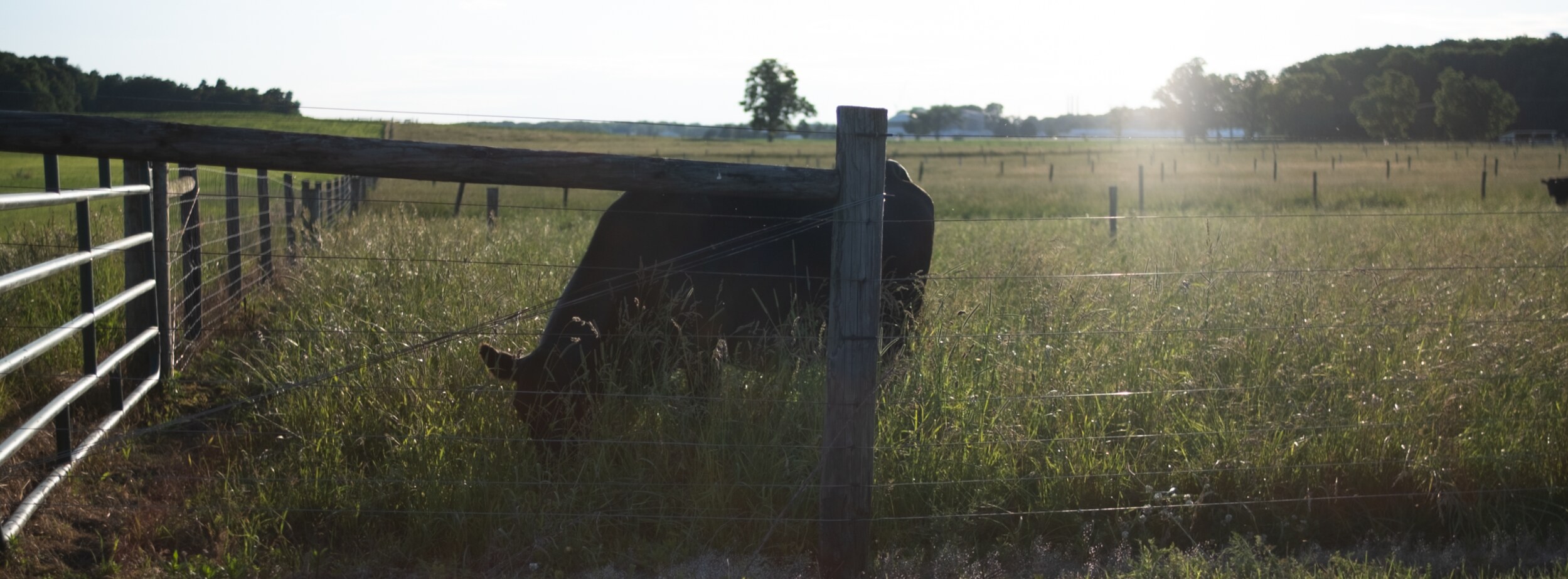
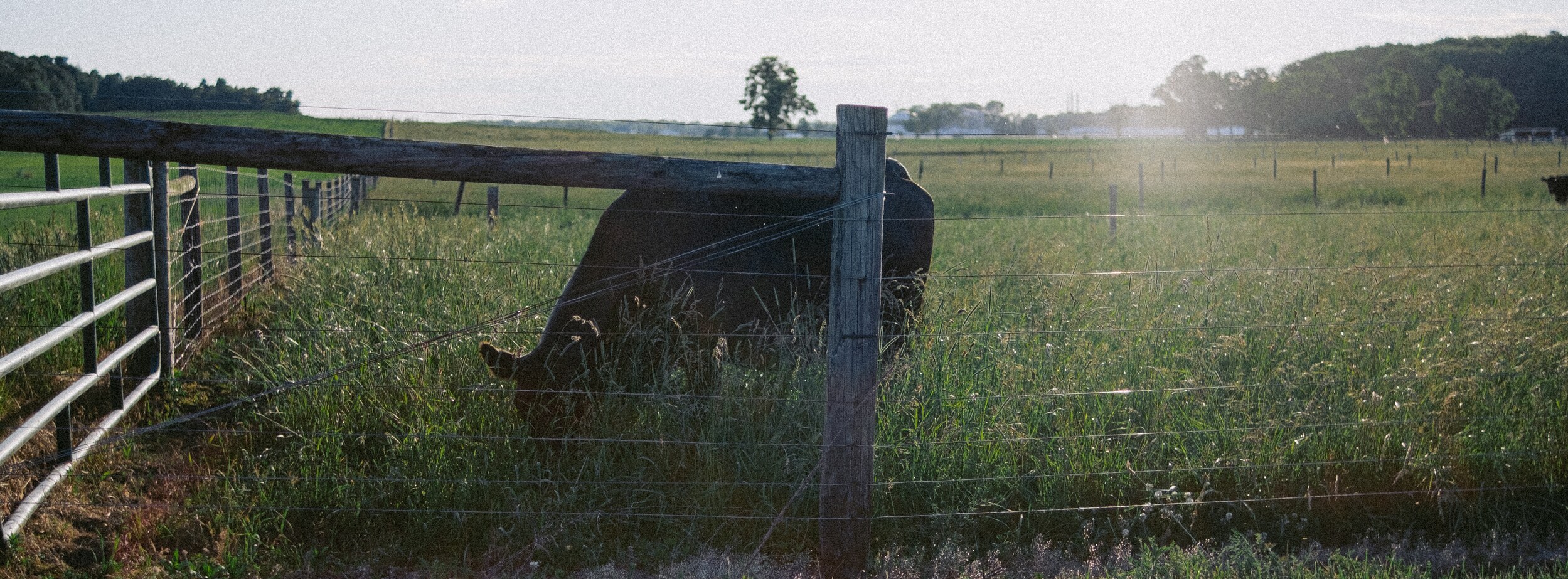
Pair 02 / 03GX—05 Pasture
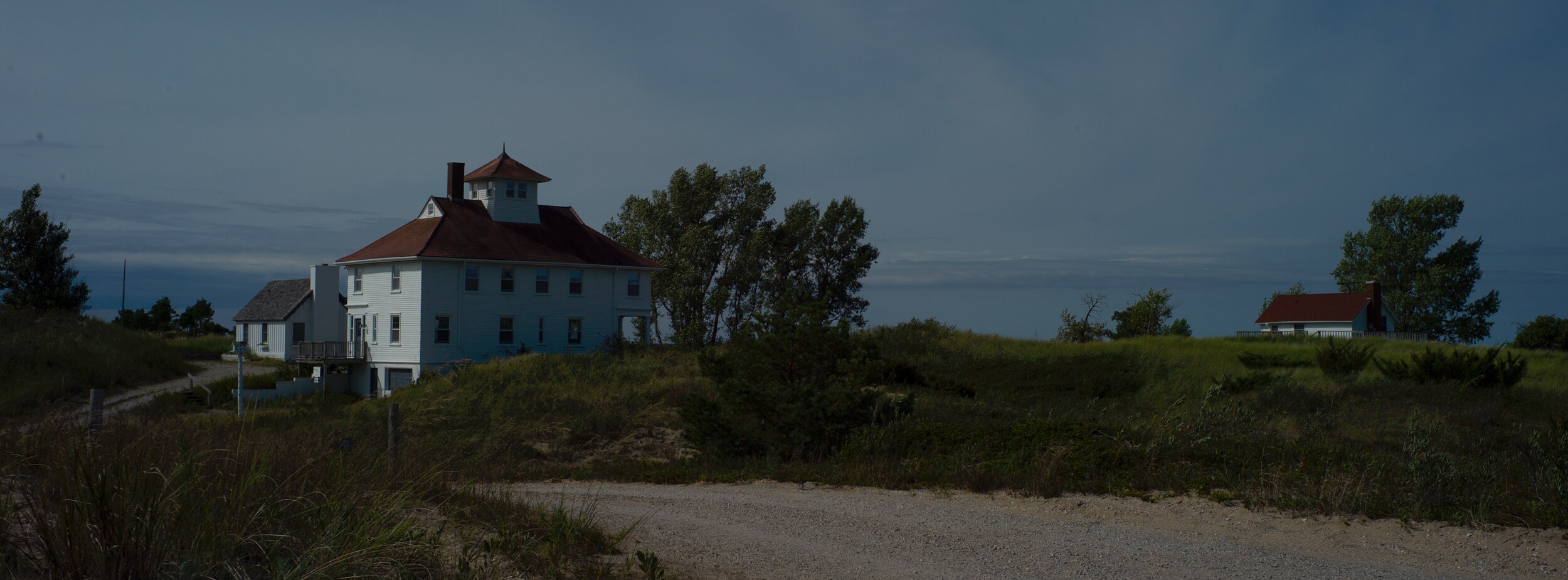
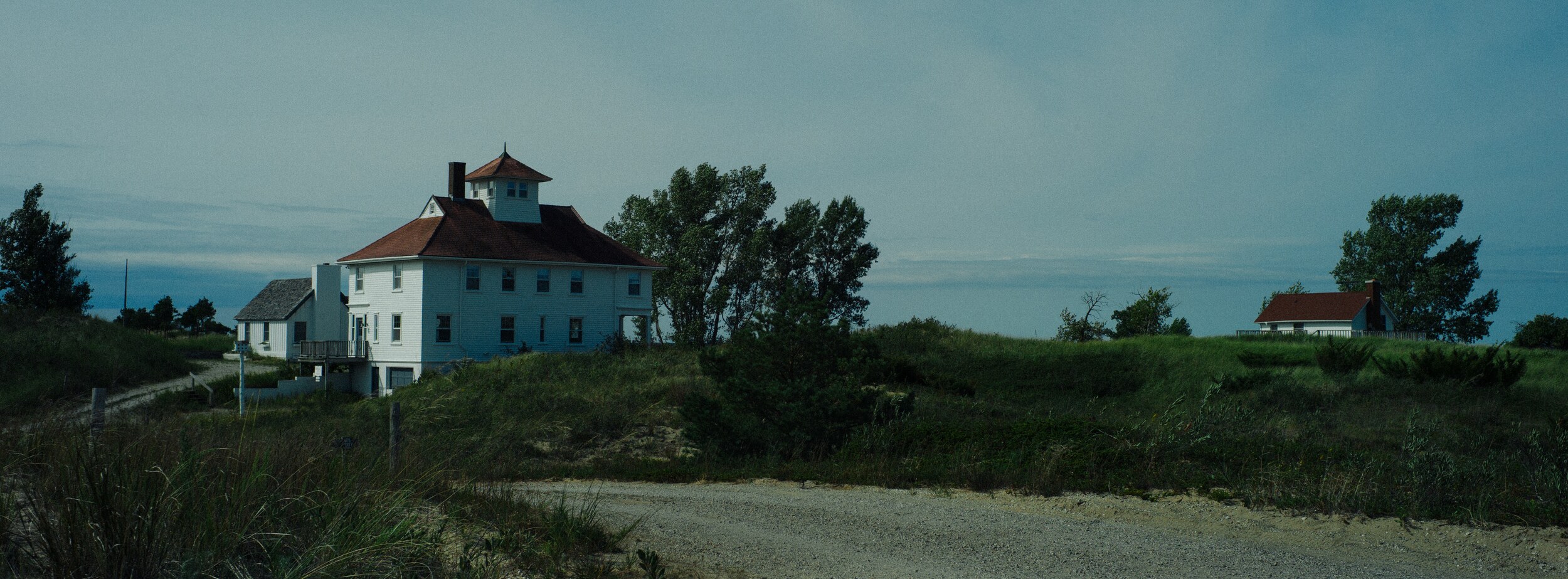
Pair 03 / 03GX—05 Isolation
Included.
Atrophy / GX—0520 Lightroom presets as individual .xmp files, in one folder.
A README with import steps for Lightroom Classic, the Lightroom cloud desktop app and Photoshop’s Camera Raw filter, plus the illustrated guide online.
Images you create are yours, including commercial use. The preset files themselves are not for redistribution or resale.
One .zip download. Digital delivery only — physical packaging is not included.
Compatibility.
.xmp presetsDevelop module → Presets panel → + → Import Presets.
Edit → Presets → … → Import Presets. Presets sync to Lightroom Mobile once imported here.
Imports .xmp presets on its own: Presets → Yours → … → Import Presets. No desktop app required.
Filter → Camera Raw Filter → Presets tab.
Raw and JPEG from any camera brand. Raw gives the grade the most tonal latitude.
Lightroom Classic never syncs presets to Mobile — install in both if you edit on a phone.