![[Gx]Ace](http://images.squarespace-cdn.com/content/v1/57c9d27a2e69cfea32321660/5f7fdc4f-6332-4635-85fd-c55ff7f02ca4/gx-logo.png?format=1500w)
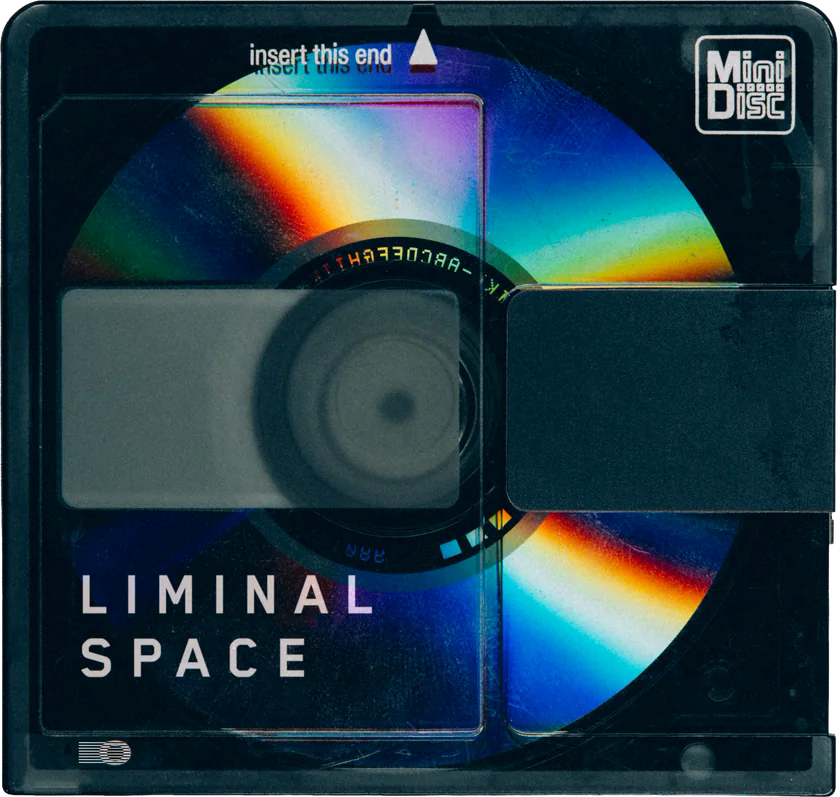

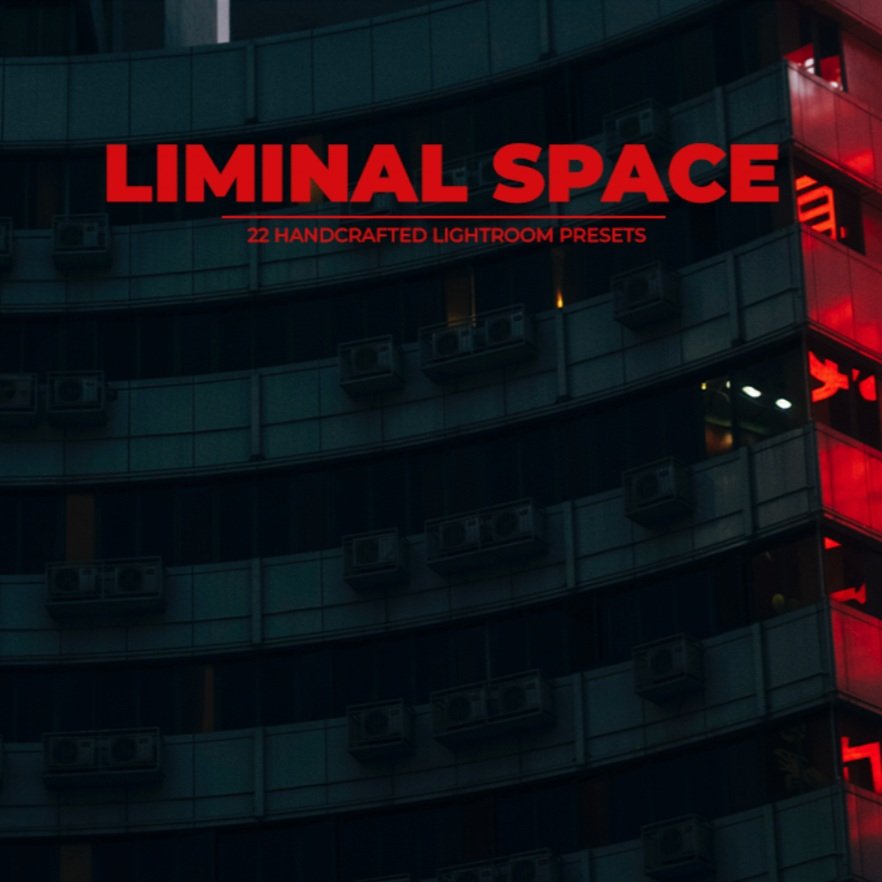
Step into a space between worlds, the Liminal Space.
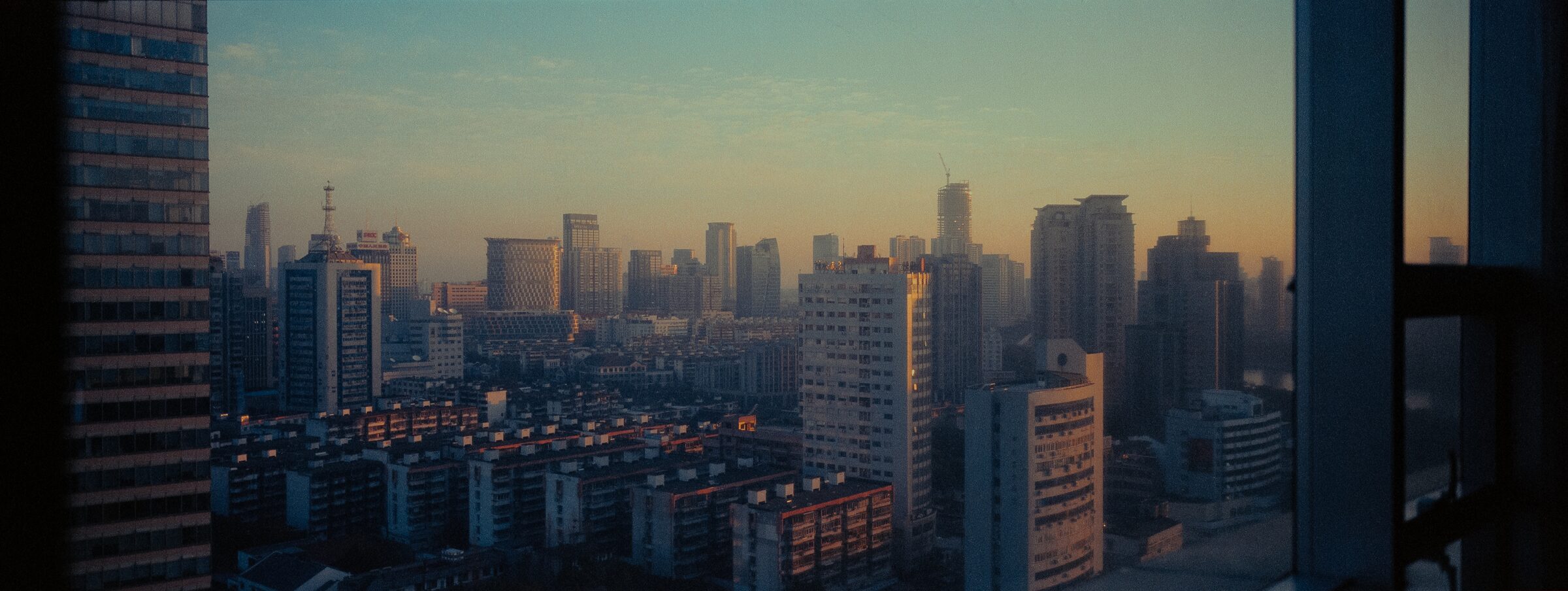
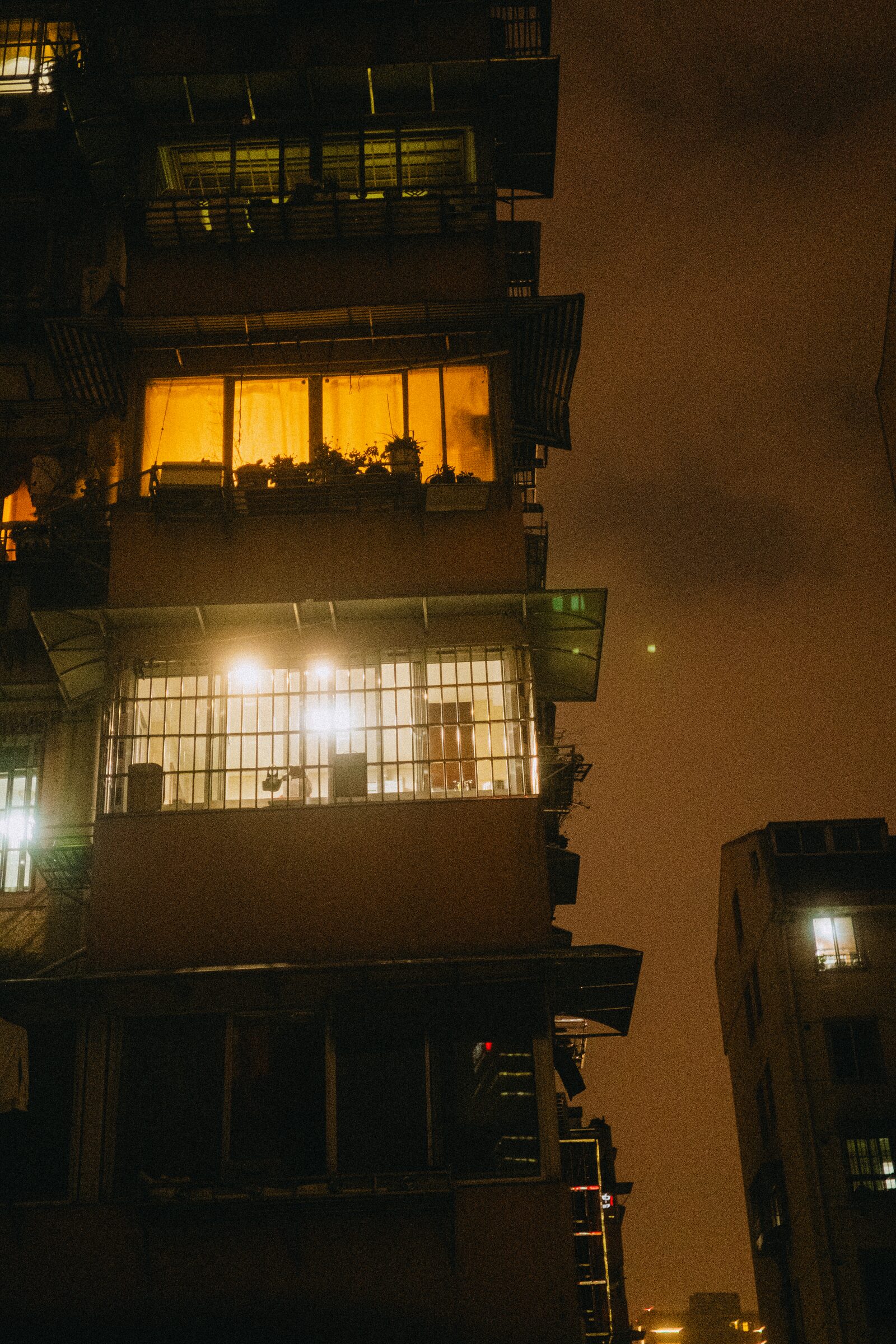
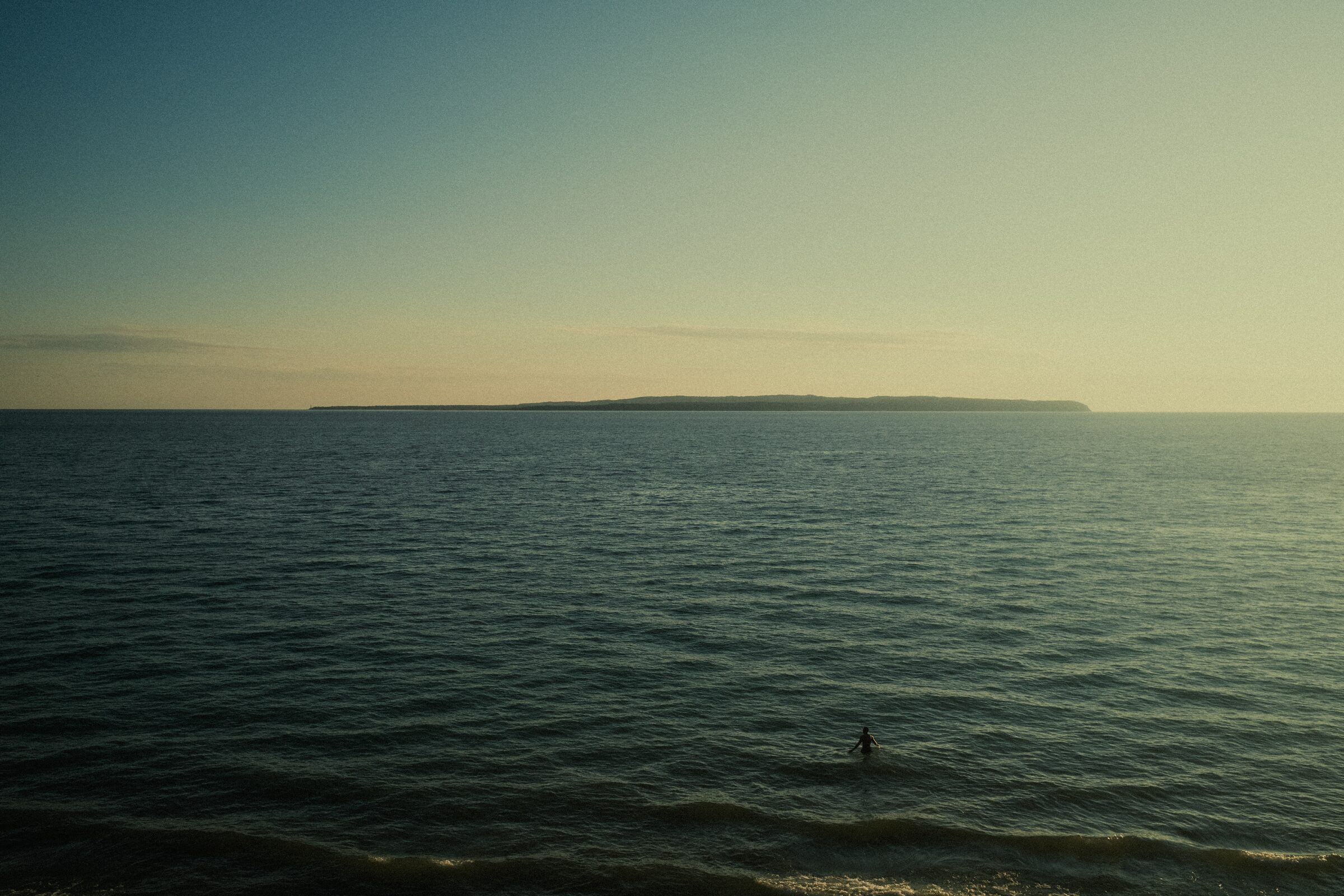
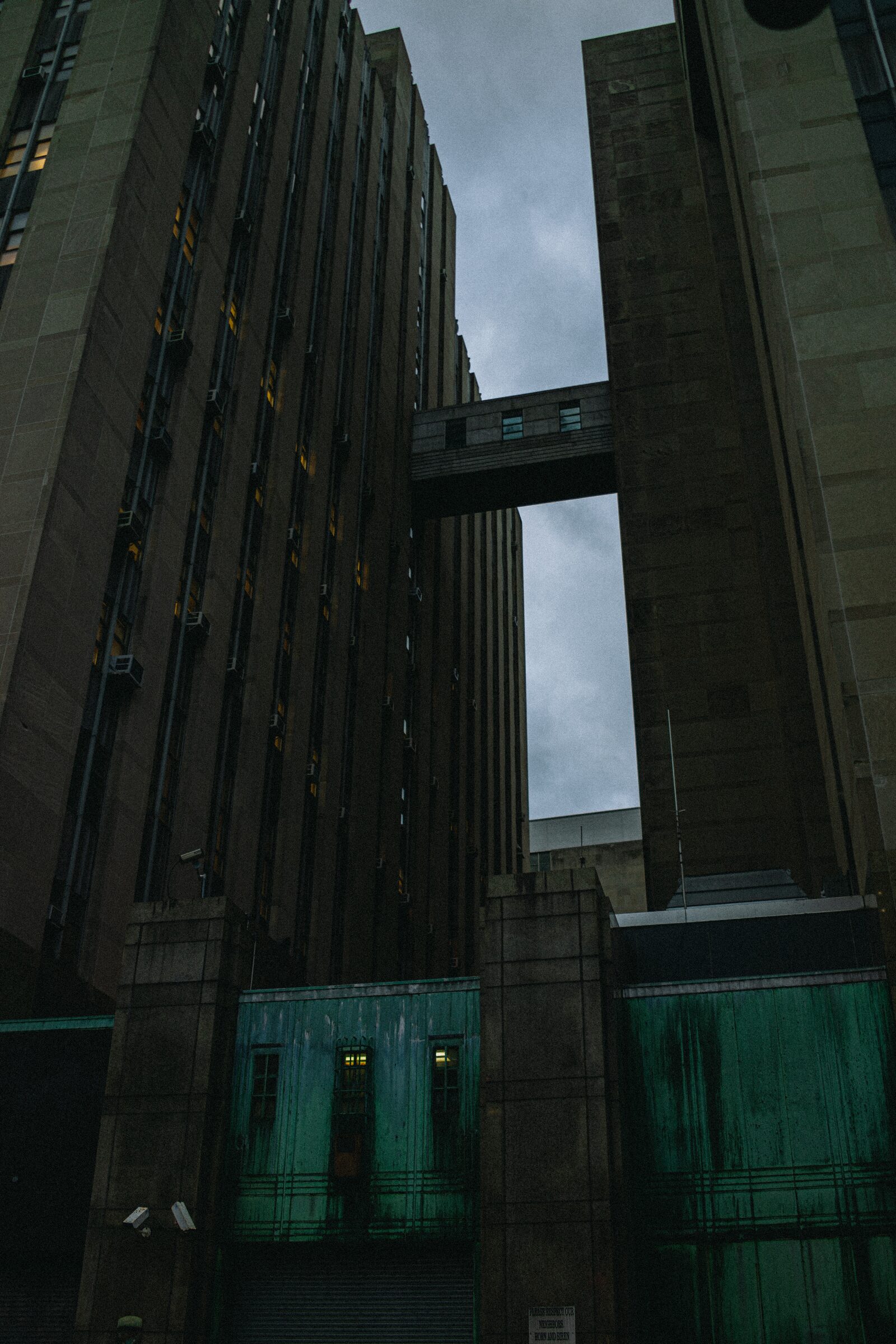
This pack will add a new dimension to your photographs. It will take normal scenes and bring out a sense of mystery and mood that was hiding just beneath the surface.
A selection of 23 of my personal Adobe Lightroom presets that I have tweaked over the years.
|| 01. Mood - Cinematic in the pure sense of the word
|| 02. Diffusion - Works great with diffusion filters like GLIMMER GLASS
|| 03. Versatility - Many different looks that can fit almost any scenario
Compatible with Adobe Lightroom
**Important: All LUT and Preset purchases are final.
High Rise
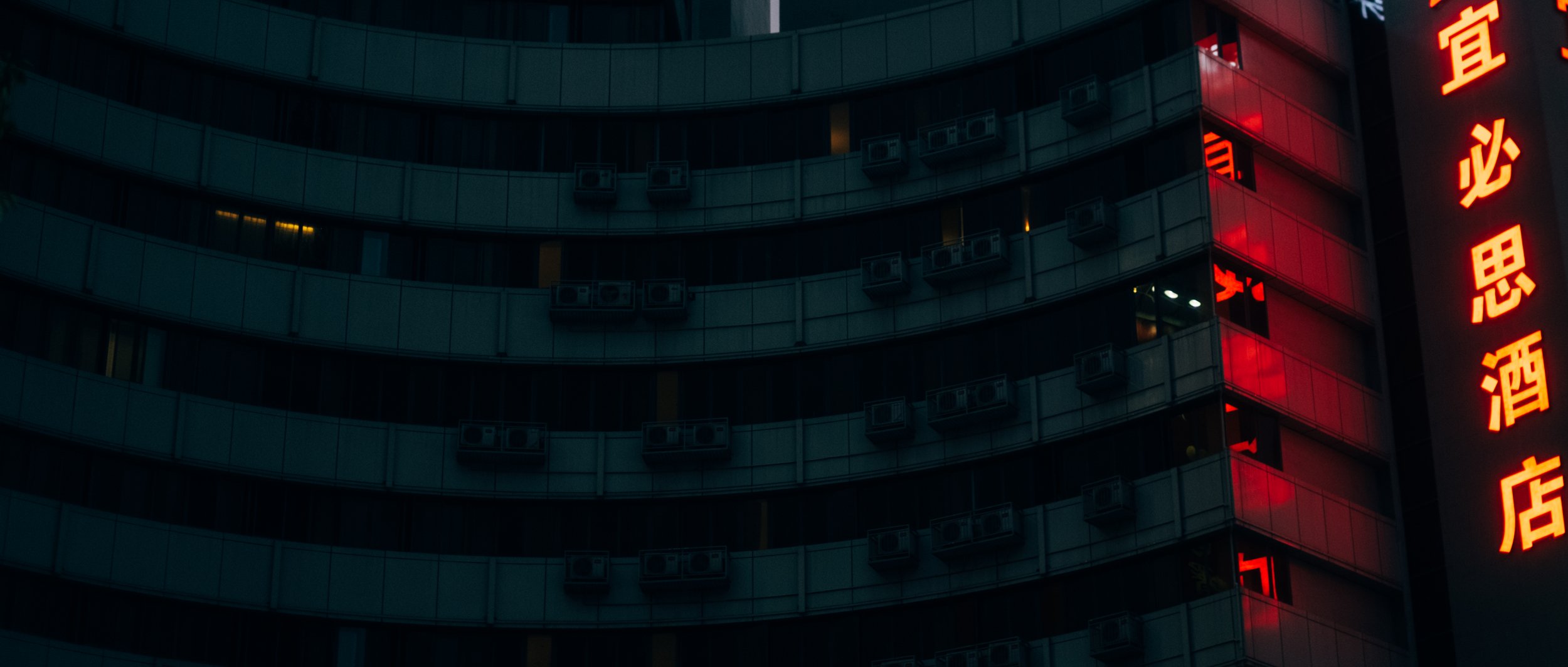
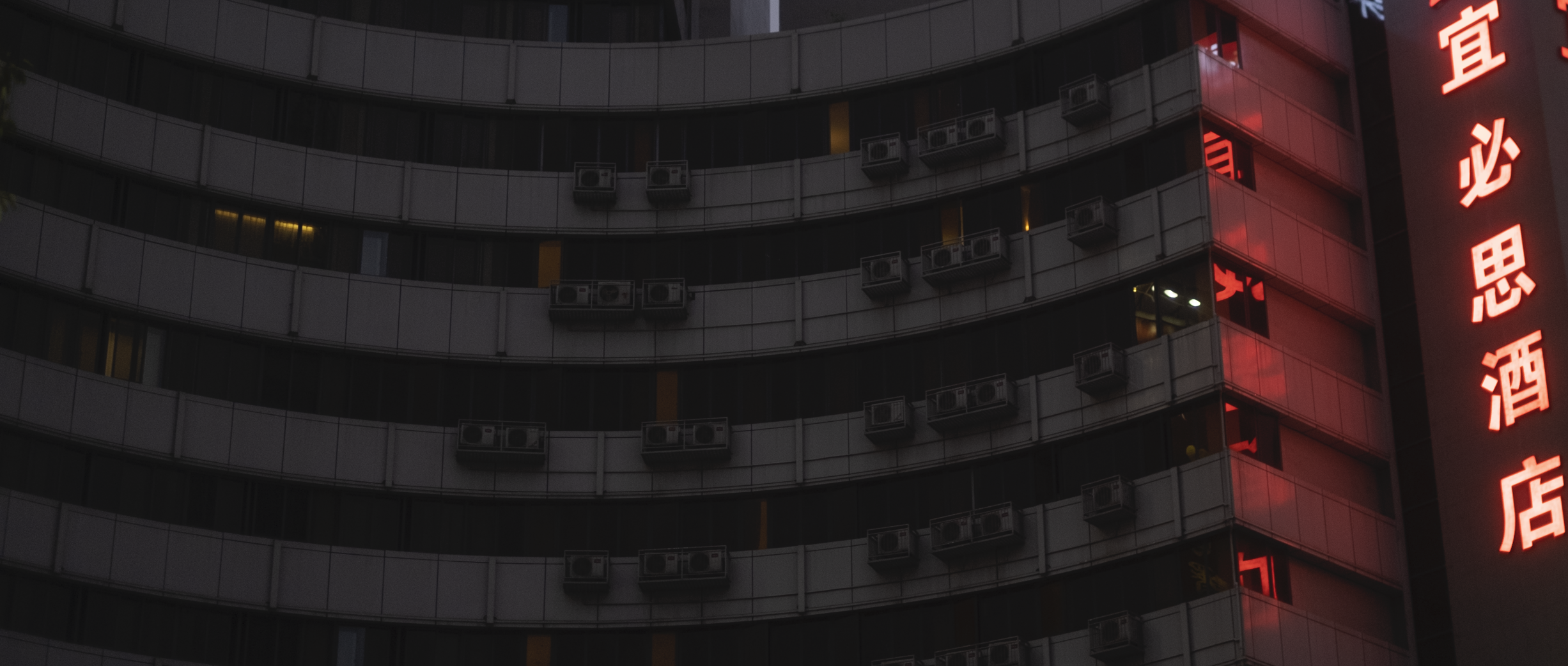
Liminal Space
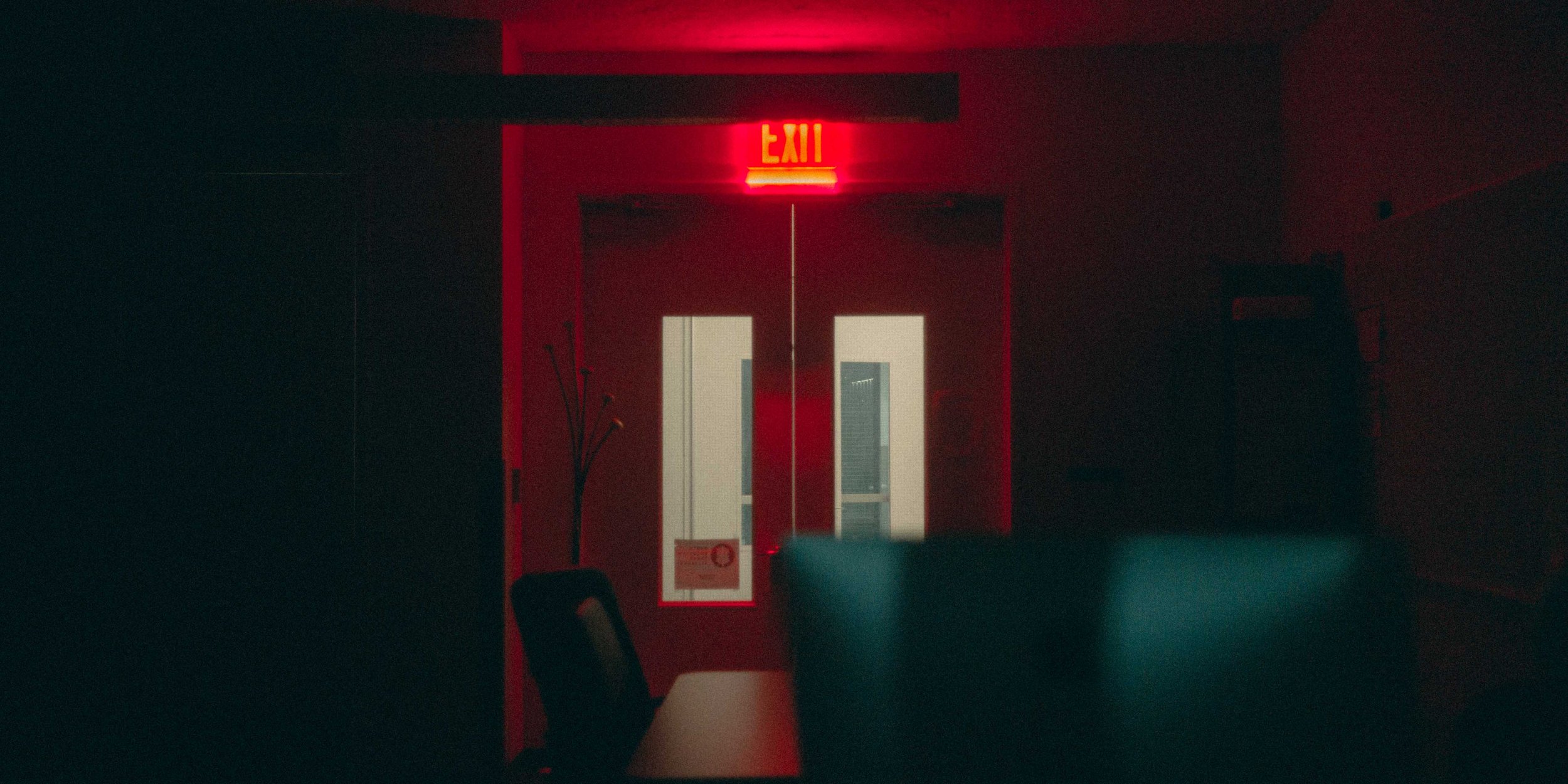
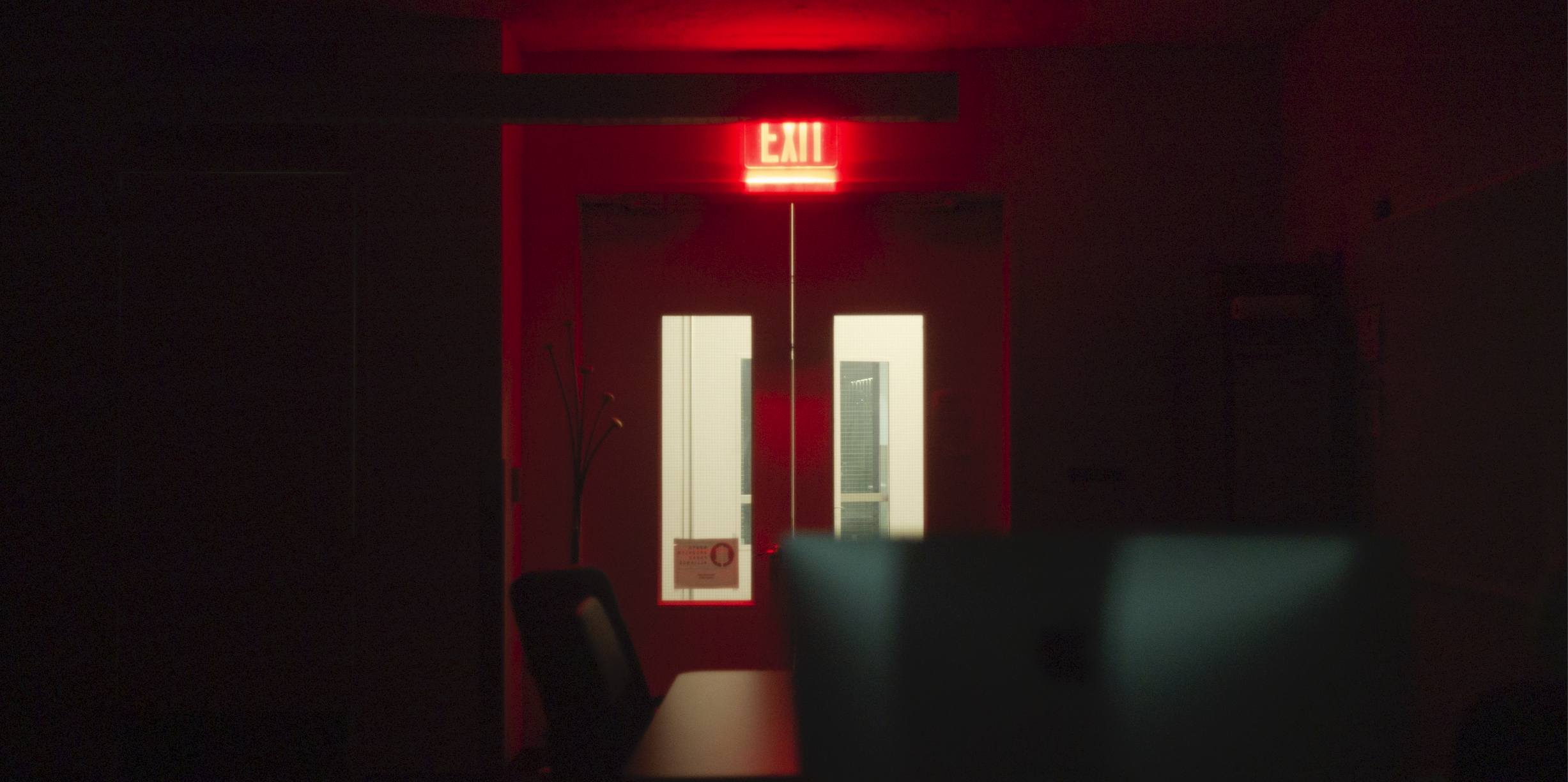
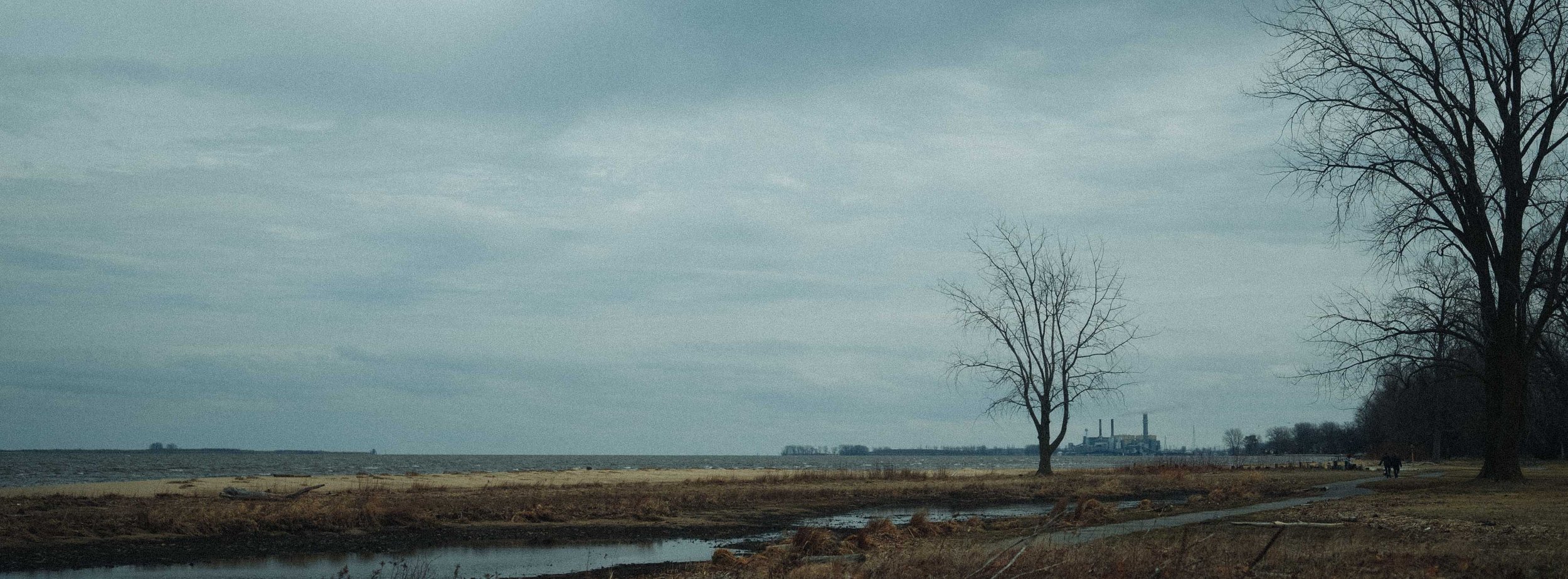
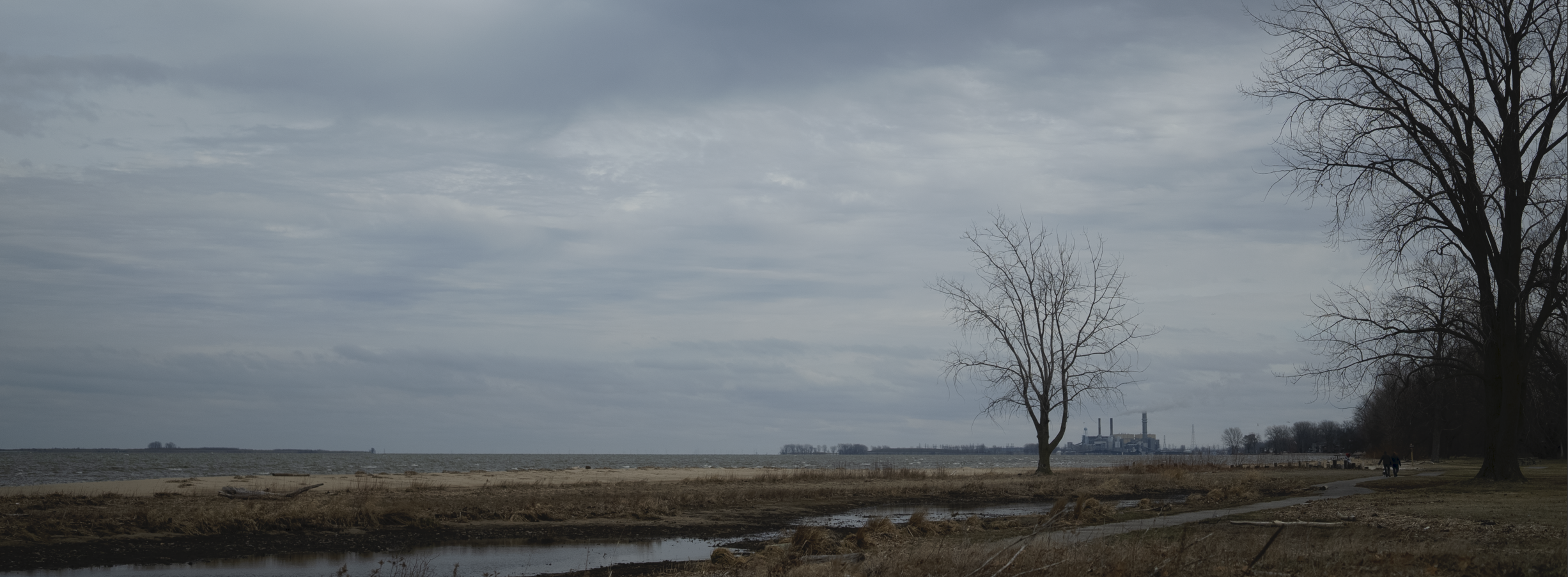
Lone Tree
Foundry
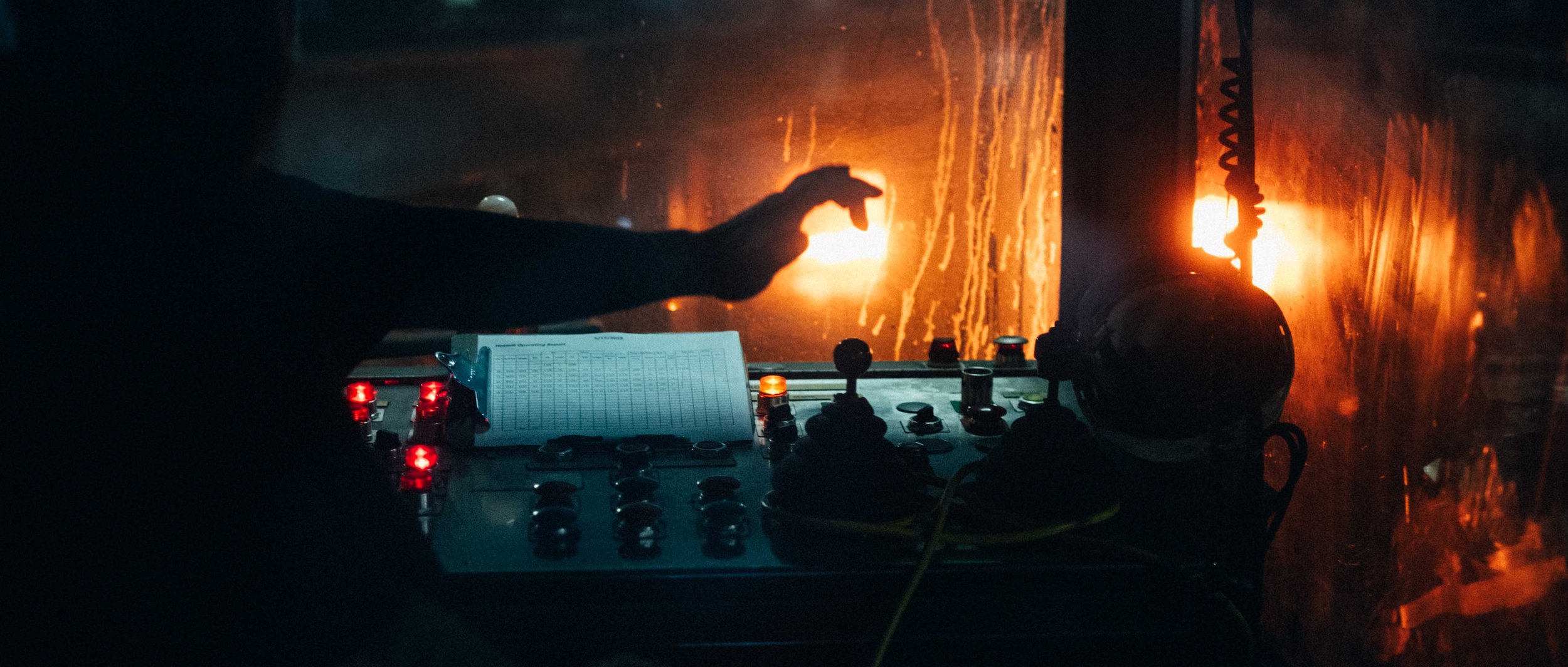
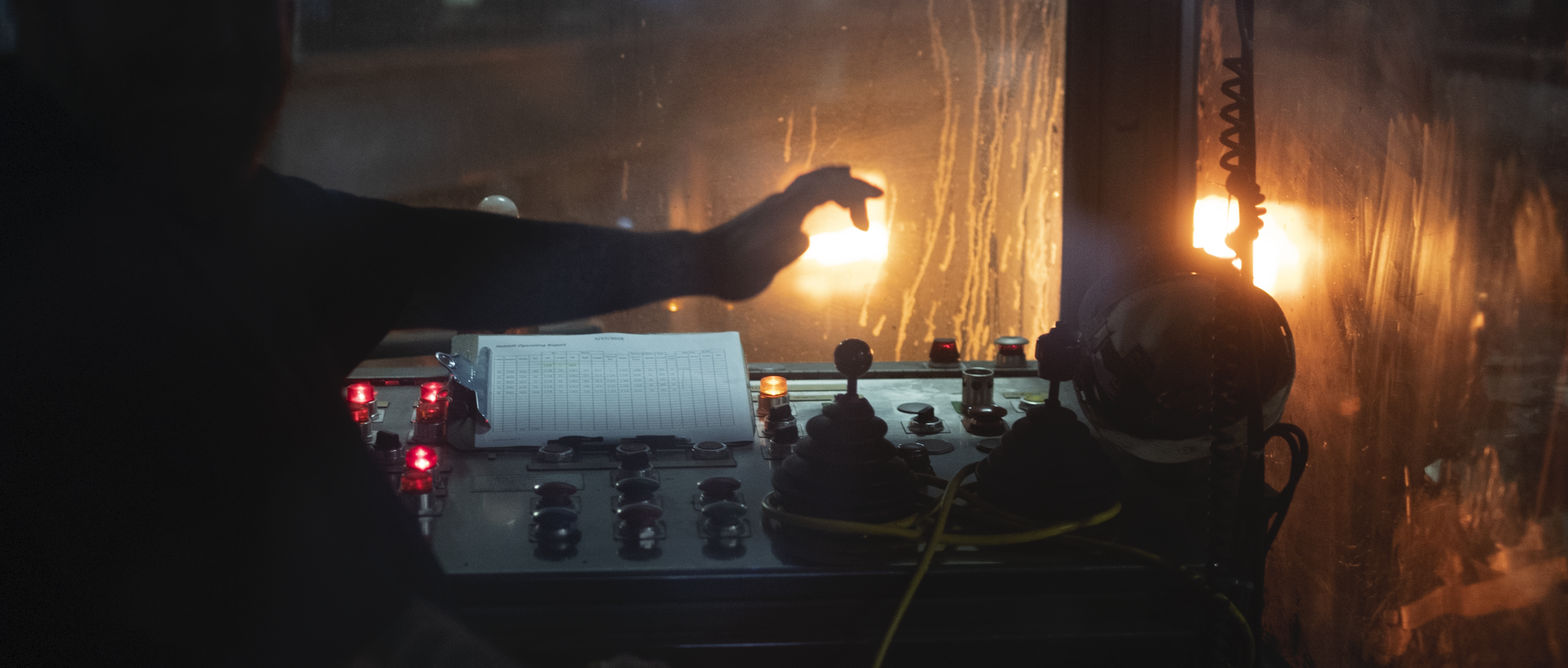
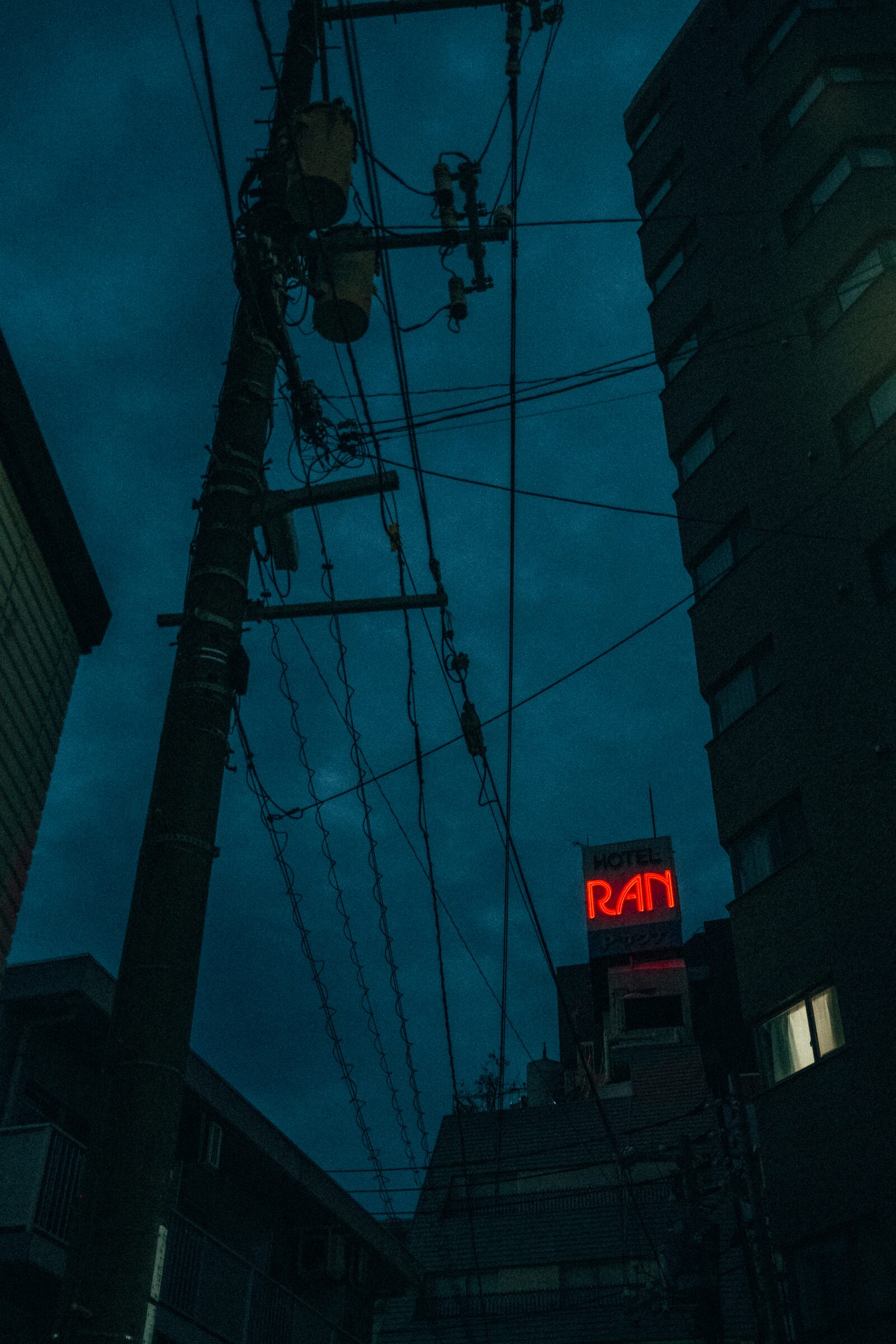
Night City
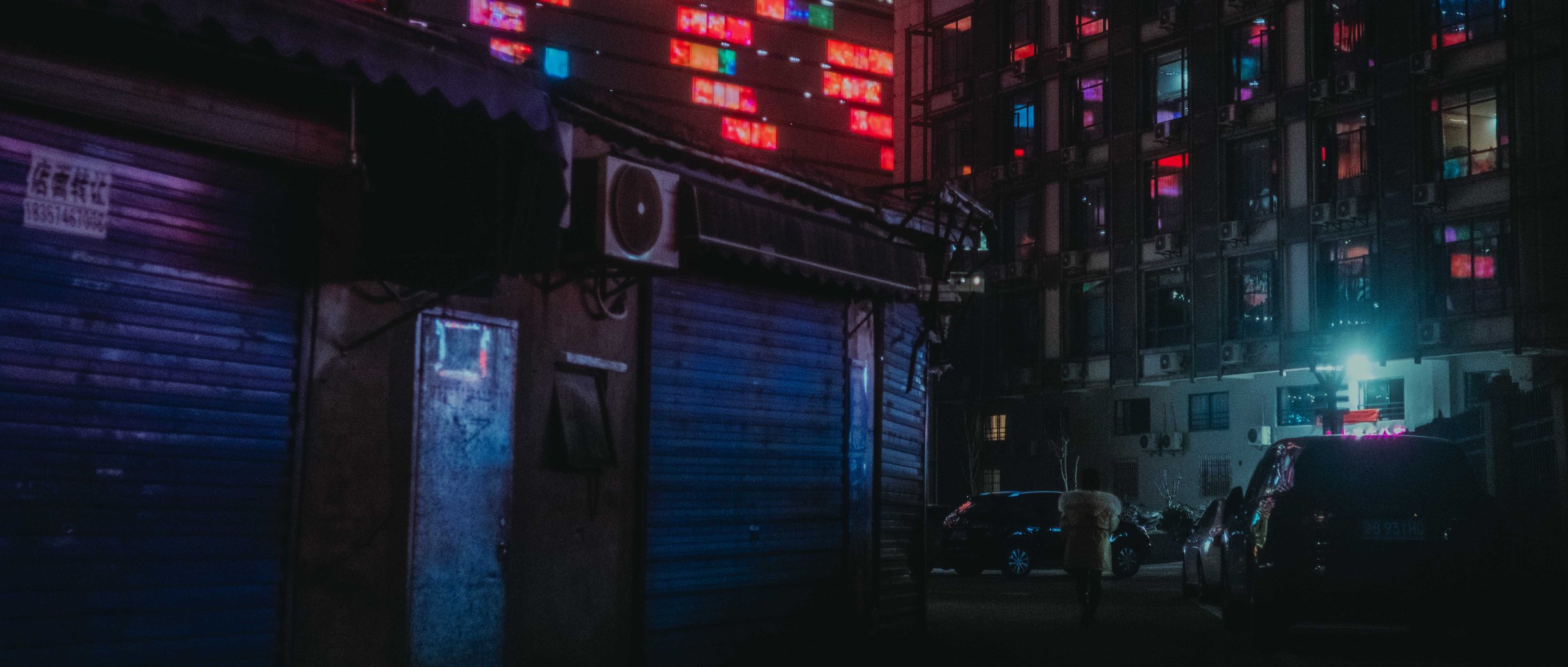
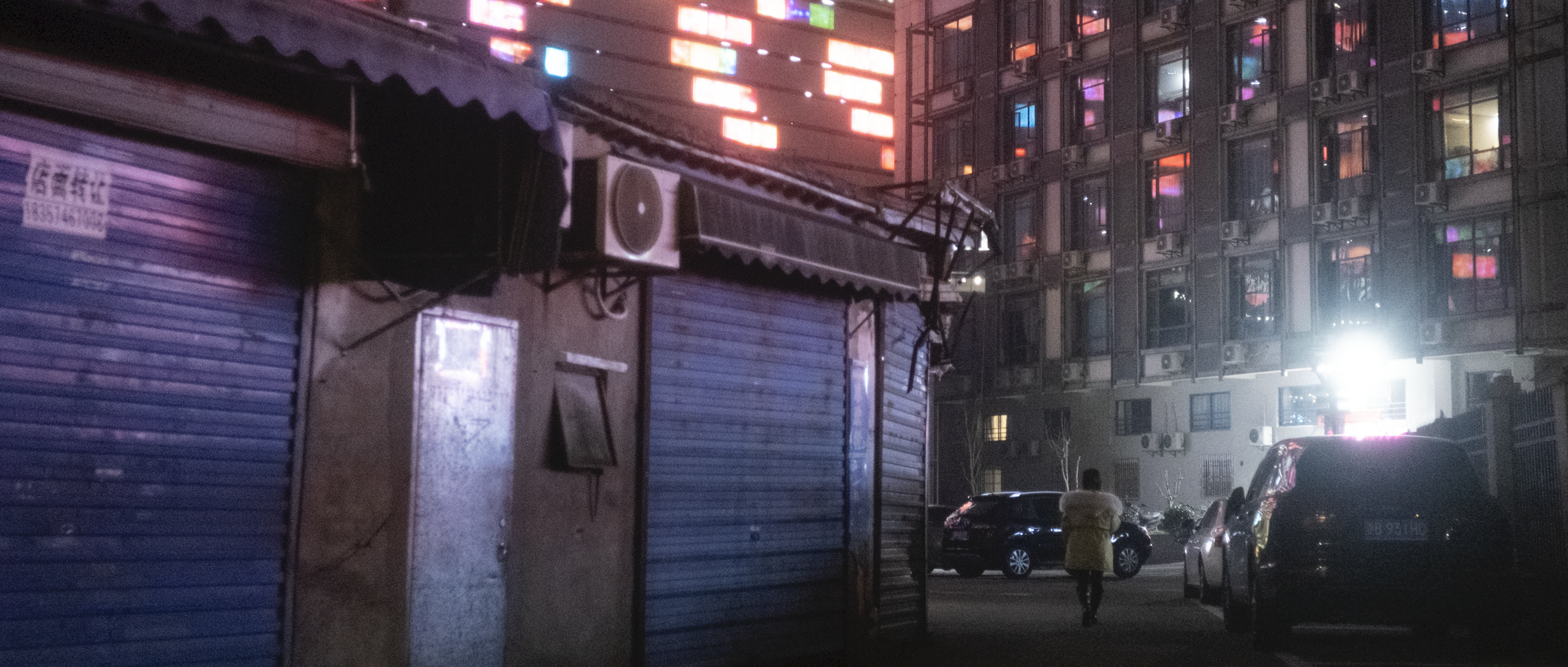
Clean Room
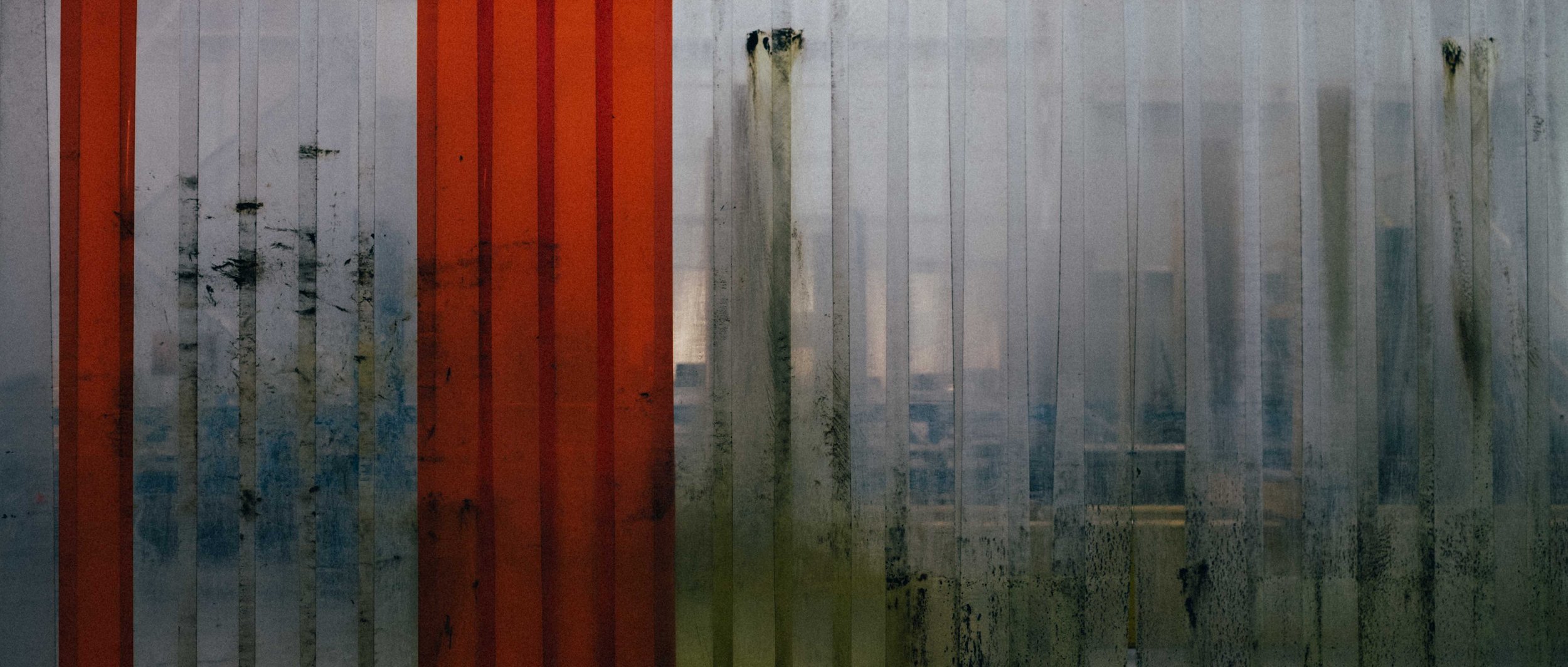
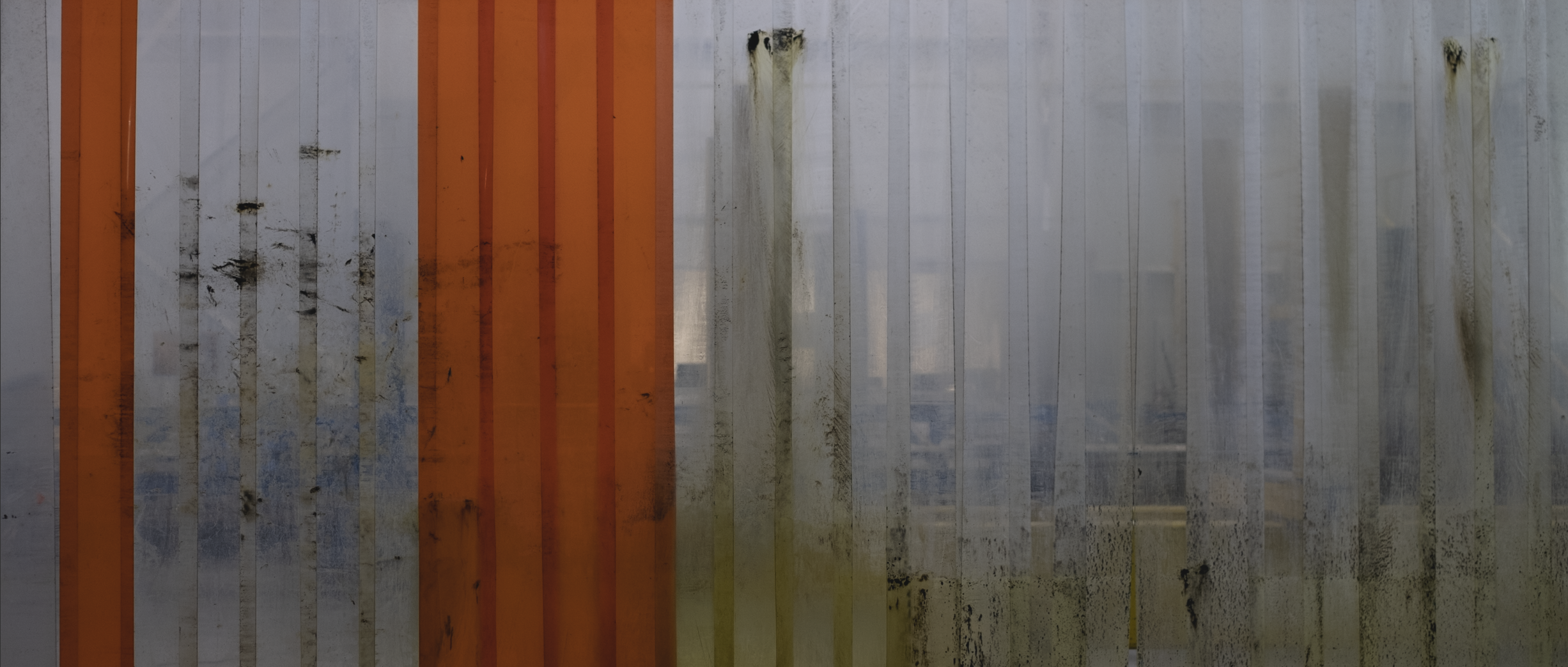
New Worlds
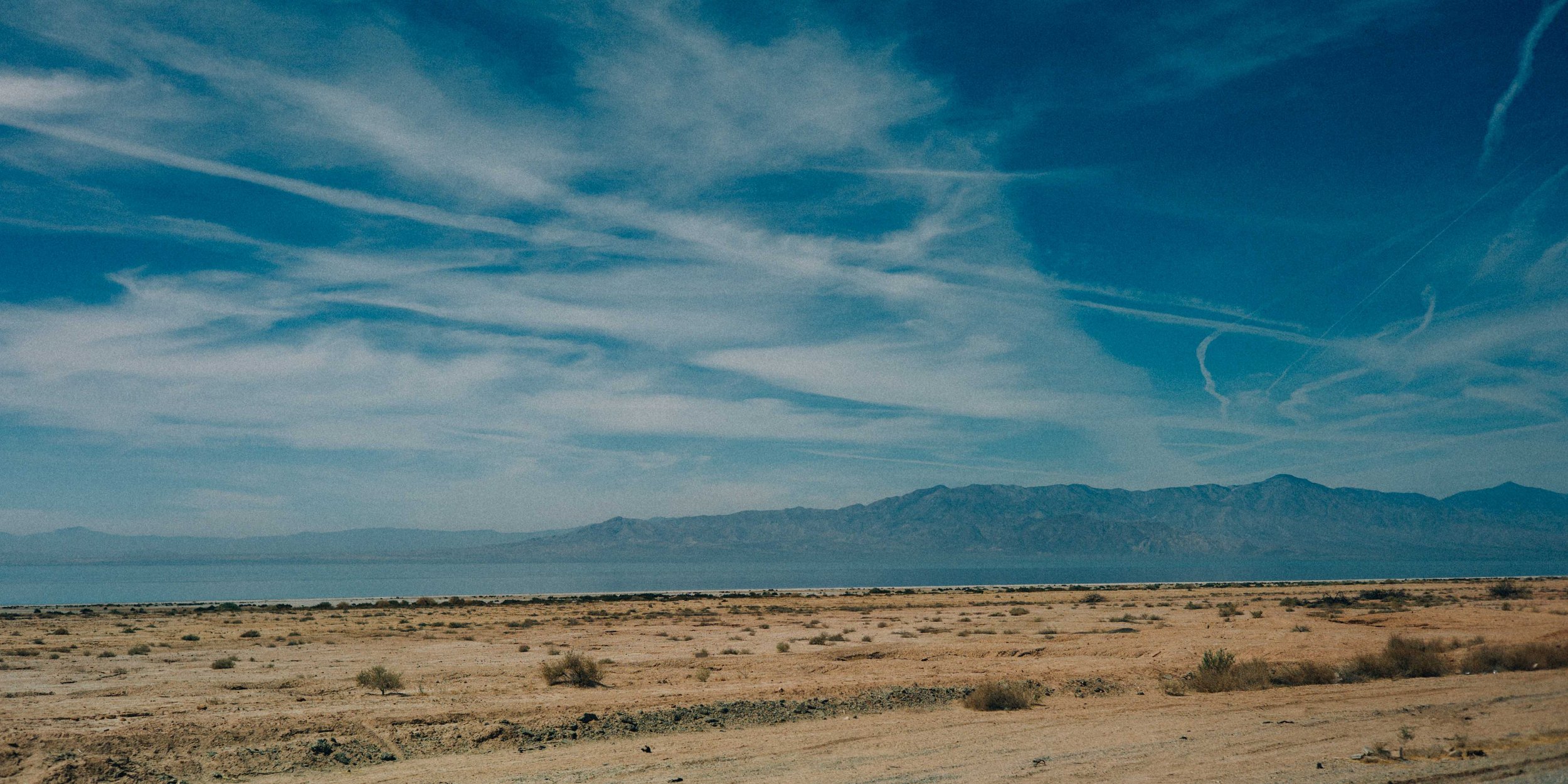
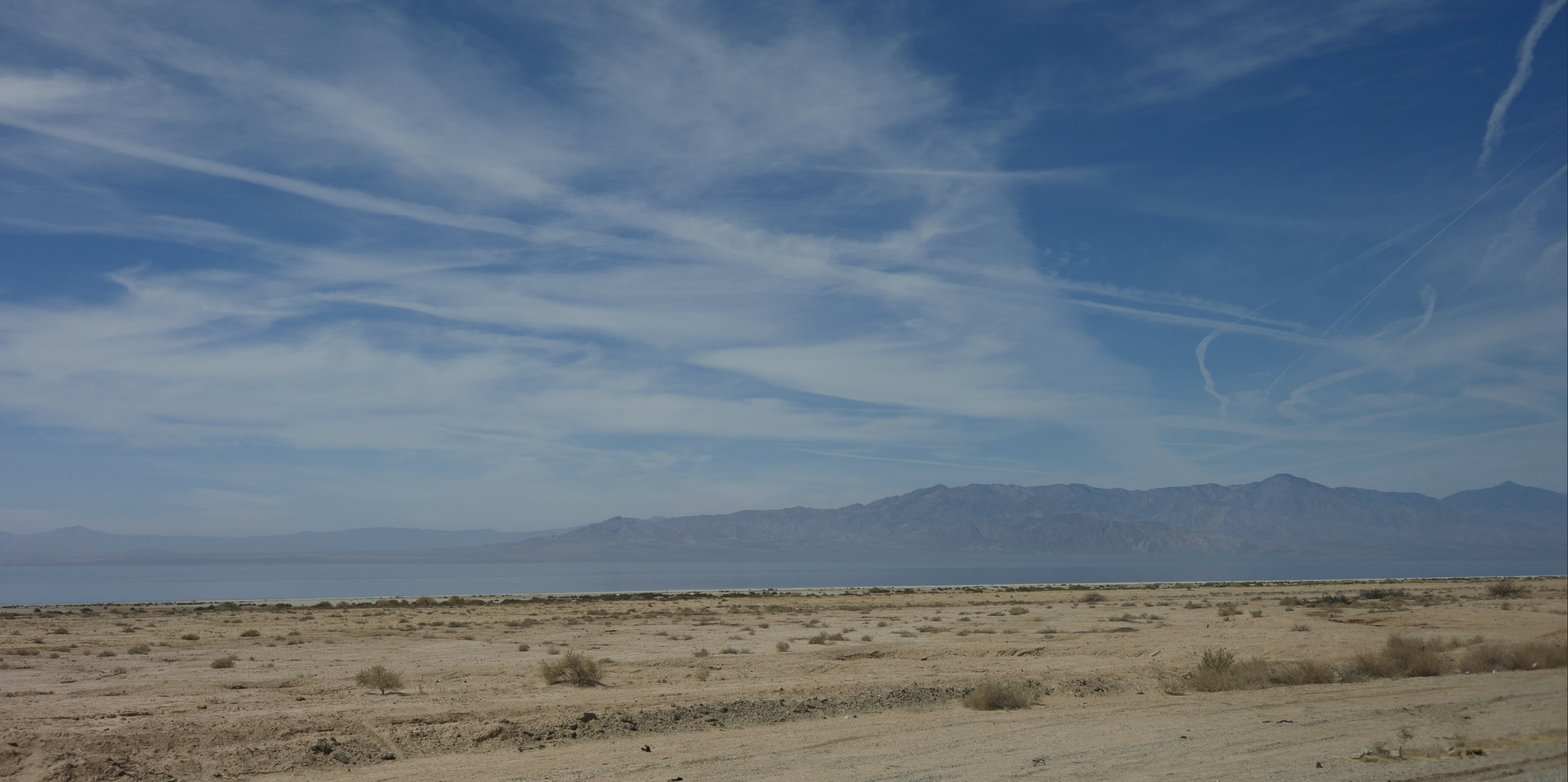
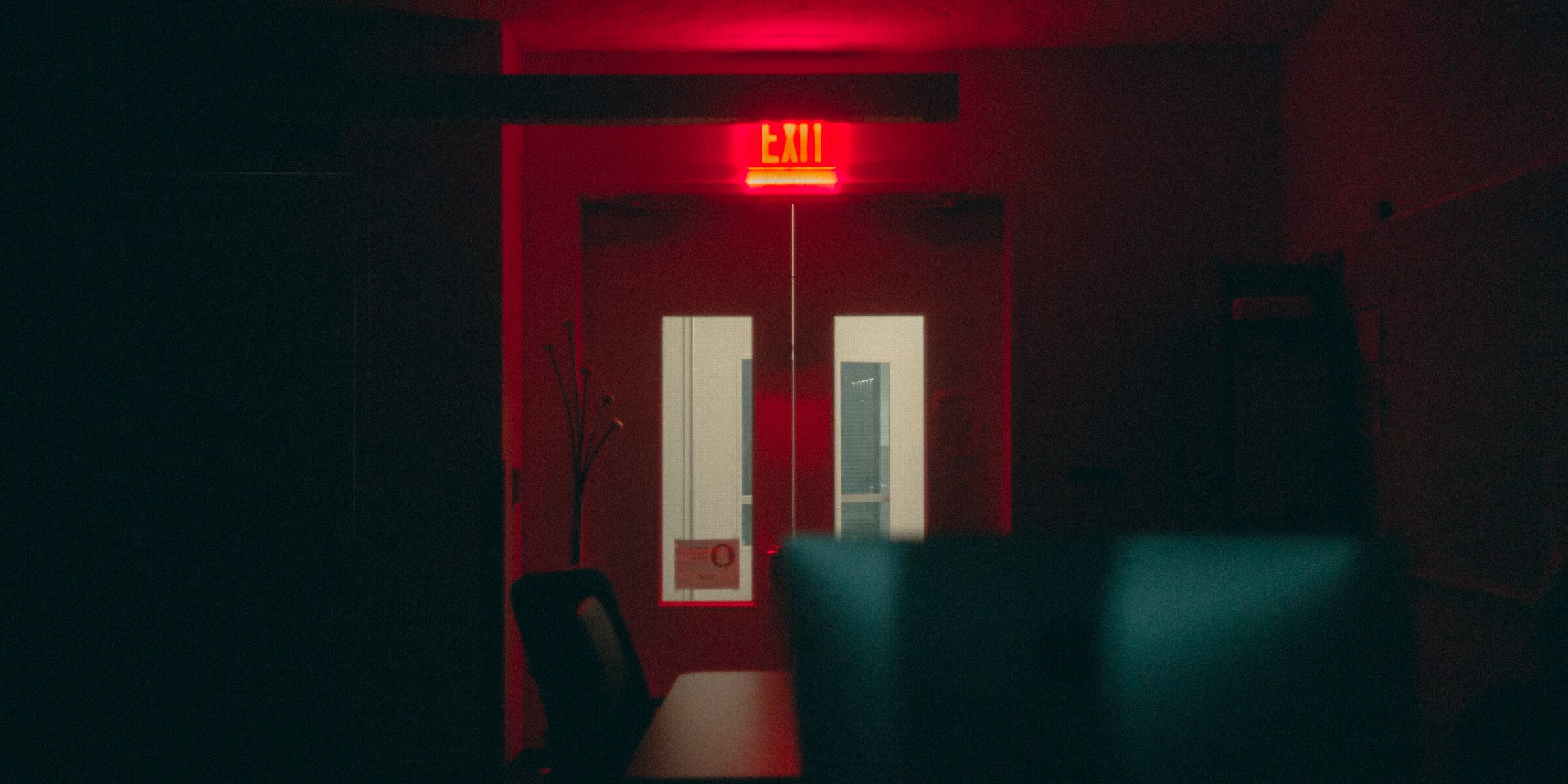
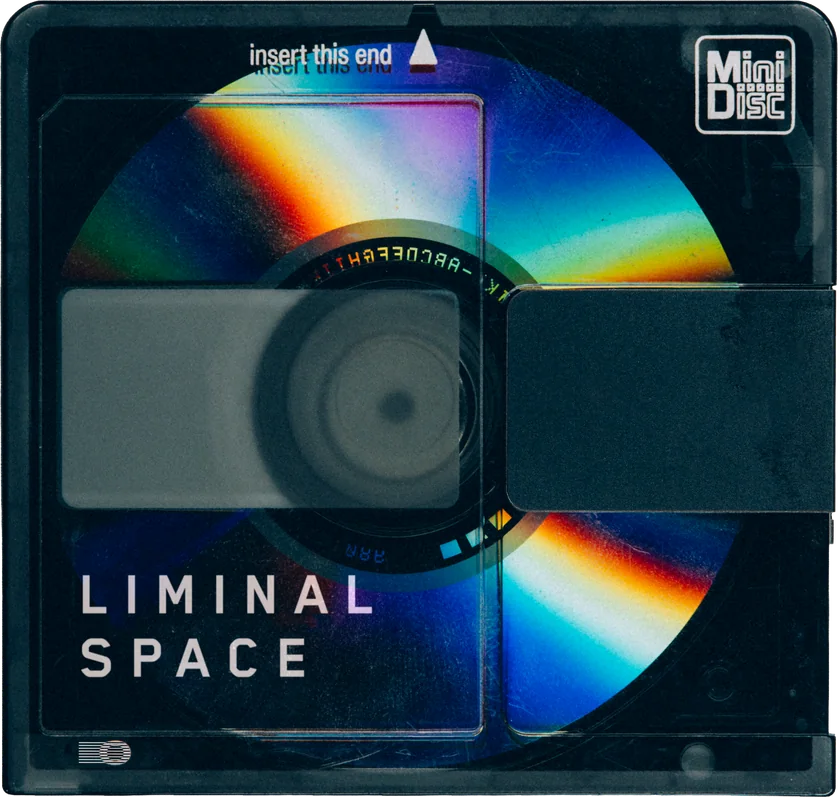
Liminal Space
23 presets built for architecture and empty man-made space. Clean Room, Foundry, Night City and Highrise carry the pack from clinical interiors to deserted streets.
- Subject
- Built for architecture and empty man-made interiors, not portraits or landscapes.
- Emptiness
- Clean Room and Foundry render sterile, unoccupied space with flat, even light.
- Scale
- Night City and Highrise handle large architectural scenes at night without crushing the structure into silhouette.
Presets for your photographs.
Physical packaging not included.
The images.
Liminal Space / GX—04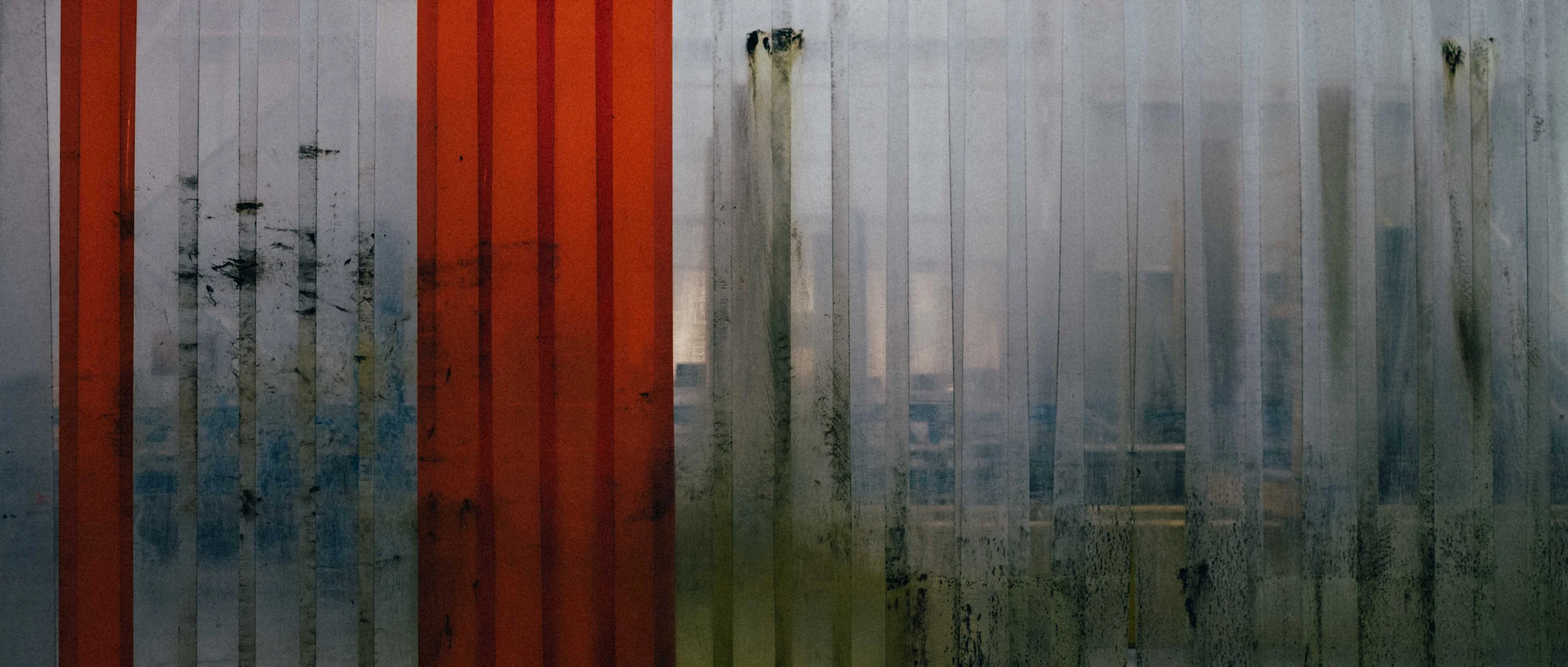


Pair 01 / 03GX—04 Libations


Pair 02 / 03GX—04 Last Waltz


Pair 03 / 03GX—04 Night City
Included.
Liminal Space / GX—0423 Lightroom presets as individual .xmp files, in one folder.
A README with import steps for Lightroom Classic, the Lightroom cloud desktop app and Photoshop’s Camera Raw filter, plus the illustrated guide online.
Images you create are yours, including commercial use. The preset files themselves are not for redistribution or resale.
One .zip download. Digital delivery only — the packaging shown on this page is a design study and is not part of the purchase.
Compatibility.
.xmp presetsDevelop module → Presets panel → + → Import Presets.
Edit → Presets → … → Import Presets. Presets sync to Lightroom Mobile once imported here.
Imports .xmp presets on its own: Presets → Yours → … → Import Presets. No desktop app required.
Filter → Camera Raw Filter → Presets tab.
Raw and JPEG from any camera brand. Raw gives the grade the most tonal latitude.
Lightroom Classic never syncs presets to Mobile — install in both if you edit on a phone.